The Google & YouTube App Reinstall Bug: What Google Confirmed, and What To Do If You Were Hit
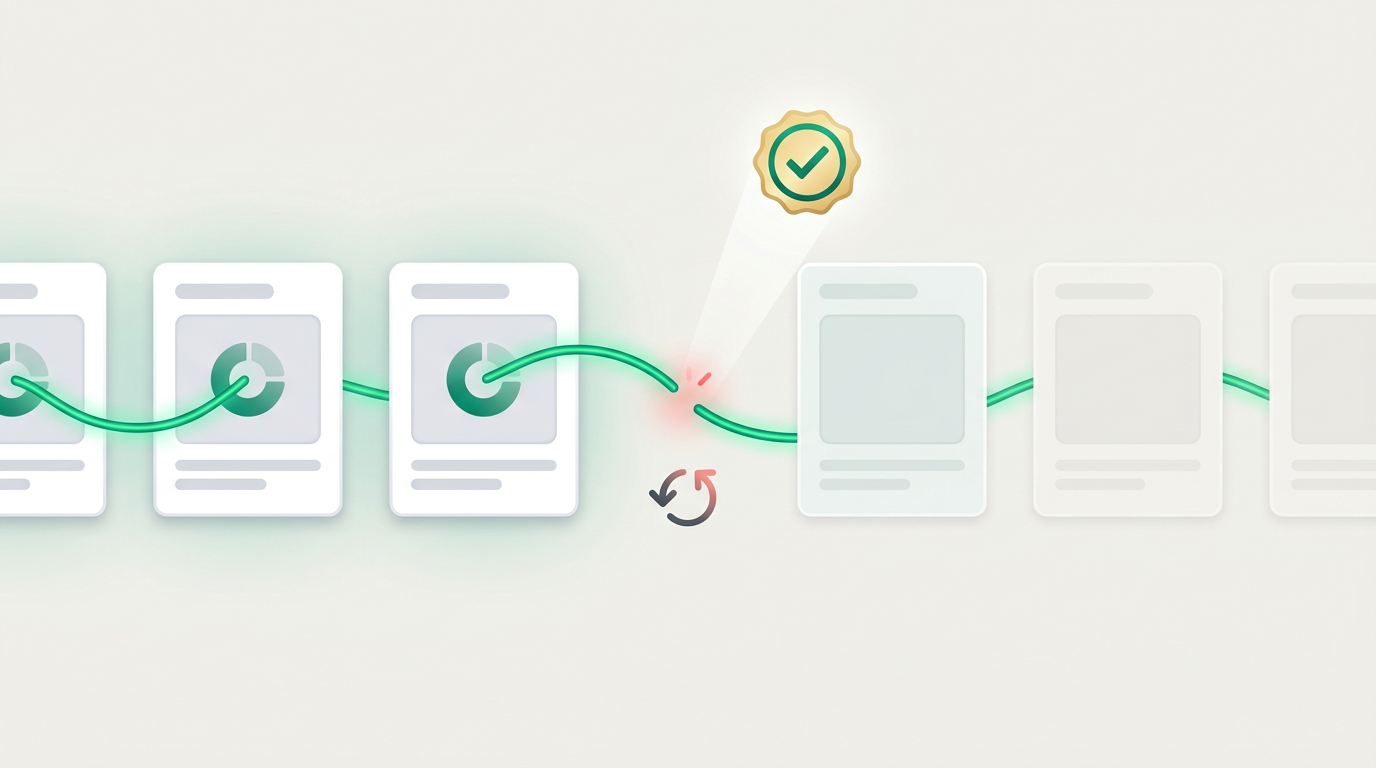
If you reinstalled the Google & YouTube app on your Shopify store recently and then watched your Google Merchant Center account treat your entire catalog like it had never seen it before — products “new” again, performance history gone, approvals restarting from zero — you’ve hit a bug that Google has now officially confirmed. And if you haven’t reinstalled the app but you’ve seen the panicked posts and the August 18 deadline coverage swirling together, you’ve probably absorbed some version of the story that isn’t true.
Both groups need the same thing: the actual facts, assembled in one place. The story so far has been scattered across news reports, an unresolved Shopify Community thread, vendor blog posts (at least one of which gets the central fact wrong), and an official Google response posted where almost no merchant will find it. Here’s the whole picture, with what to do — including for merchants already affected, which nobody else has covered.
What Google actually confirmed
In an official response posted to the Google Ads Community, Google confirmed four things:
- The Merchant API migration does not rewrite your product IDs. The August 18 Content API sunset and the migration behind it leave your item IDs untouched.
- August 18 requires no action from Google & YouTube app users. The app’s migration is automatic.
- The ID rewriting is a separate bug, triggered specifically by uninstalling and reinstalling the Google & YouTube app.
- A fix is actively deploying. Google has said it affects “a small subset of merchants.”
Google’s ads liaison Ginny Marvin has publicly echoed the same message — the migration is standard process, product IDs aren’t being rewritten by it, and no merchant action is necessary.
One important caveat we verified before writing this: as of today, no source confirms the fix is fully deployed. Reports from late July indicated the issue was still occurring for some merchants, and the main Shopify Community thread remains open. Treat the bug as live until Google says otherwise.
Untangling the two stories
The bug went viral precisely because it landed weeks before a real deadline, and the two fused into one scary blob. They are unrelated:
- The August 18 Content API sunset affects how apps and tools talk to Google behind the scenes. For Google & YouTube app users it’s automatic. For everyone else, here’s what to actually check. It does not touch product IDs.
- The reinstall bug rewrites item IDs from the country-coded format (
Shopify_US_12345_67890) to ashopify_ZZ_…format — but only when the app is uninstalled and reinstalled while the bug is live.
Worth saying plainly: some vendor migration guides circulating right now state that the migration itself rewrites IDs into the ZZ format. Google’s official response says the opposite. If a guide is using the deadline to urge you into urgent action — or an urgent tool switch — check its central claim against Google’s own words first.
Why an ID rewrite hurts so much
Your item ID is the thread connecting a product to everything Google knows about it. When it changes, Merchant Center sees a brand-new product: approval review starts over, and the performance history that Smart Bidding learns from doesn’t follow. Anything keyed to the old IDs also silently stops matching — supplemental feeds, feed rules, custom labels, campaign filters. Per reporting on Google support responses, there is no automatic mapping from old IDs to new ones — which is why prevention (just don’t reinstall) is so much cheaper than recovery. One structural detail from Bidnamic’s analysis: catalogs whose item IDs are keyed to SKUs rather than Shopify’s generated IDs are immune to the rewrite entirely — remember that one; it matters later.
If you’re NOT affected: one rule
Don’t uninstall and reinstall the Google & YouTube app right now — for any reason. Not to troubleshoot, not to “refresh the connection,” not as part of pre-deadline cleanup. Every confirmed case runs through the reinstall. August 18 asks nothing of you; sit tight, and wait for Google to confirm the fix is fully deployed before doing any app-lifecycle surgery.
If you ARE affected: the recovery playbook
There’s no official recovery path — honesty requires saying that first. But affected merchants aren’t helpless. The best available sequence:
- Stop changing things. Don’t reinstall again hoping it reverts; every ID churn makes reconciliation worse.
- Document the damage while you can. Export your current Merchant Center feed and, from any backup or old export, the previous item IDs. A simple old-ID → new-ID mapping table is the foundation of everything else.
- Repoint everything keyed to old IDs. Supplemental feeds, feed rules, custom labels, and campaign item filters all need updating to the new IDs — they’re silently matching nothing right now.
- Escalate with specifics. Contact Google Ads/Merchant Center support with dates, before/after ID examples, and your case history. “Reportedly no auto-mapping exists” is Google’s current posture — but affected merchants pressing with documentation is how postures change.
- Let the account restabilize before big spend decisions. Re-review takes days; Smart Bidding relearns over weeks. Judge performance after the dust settles, not during.
The structural lesson (for after the dust settles)
The deepest fix isn’t about this bug — it’s about who controls your item IDs. When your feed identity is generated and owned by an app’s install lifecycle, an app-lifecycle bug can reach your campaign history. When your feed is a file you control, with IDs keyed to your data (like SKUs), that entire class of failure can’t touch you — reinstall whatever you like, the IDs are yours.
That’s the honest version of the “switch your feed tool” advice going around: if you’re mid-crisis, stabilize first — a tool migration during an ID crisis compounds it. But once you’re stable, it’s fair to ask your feed setup two questions: who generates my item IDs, and what happens to them if an app is reinstalled? Simple Product Feeds generates scheduled-fetch file feeds with stable, merchant-controlled IDs — it installs free if you want to see the difference — and whatever tool you choose, insist on those two answers.
For the wider August picture, the companion pieces: the August 17 bidding change and the Content API sunset explainer. If your feed’s fundamentals need attention first, start with the complete guide to product feed management.
Ready to simplify your product feeds?
Simple Product Feeds connects your Shopify store to Google Shopping, Meta, and more — in minutes.
Install Simple Product FeedsFrequently Asked Questions
- Is the Google & YouTube app reinstall bug fixed?
- Google says a fix is actively deploying and the bug affects a small subset of merchants, but as of early August 2026 no source confirms it is fully deployed, and community threads remain open. Treat it as live: avoid uninstalling and reinstalling the app until Google confirms the fix is complete.
- Does the August 18 migration rewrite my product IDs?
- No — officially. Google confirmed the Merchant API migration does not rewrite product IDs and requires no action from Google & YouTube app users. The ID rewriting is a separate bug triggered only by uninstalling and reinstalling the app.
- Can I recover my performance history after the ID rewrite?
- There is no official recovery path, and reporting indicates no automatic old-to-new ID mapping exists. What you can do: document old and new IDs, repoint supplemental feeds, rules, labels, and campaign filters to the new IDs, escalate to Google support with specifics, and let the account restabilize before judging performance.
- Is it safe to reinstall the Google & YouTube app now?
- Not yet. Every confirmed case of the ID rewrite runs through an uninstall/reinstall. Until Google confirms the fix has fully deployed, avoid reinstalling the app for any reason — including troubleshooting.
- Are SKU-based item IDs affected by the bug?
- No — analyses of the bug indicate catalogs whose item IDs are keyed to merchant SKUs rather than app-generated Shopify IDs are immune to the rewrite. Merchant-controlled IDs are the structural protection against this entire class of failure.
Related Articles
Google's Content API Shuts Down August 18: What Shopify Merchants Actually Need to Check
The Content API for Shopping sunsets August 18, 2026. One question decides if your Shopify store is affected, what actually breaks (it's not a product wipe), and the three questions to ask your feed app this week.

Google's August 17 Bidding Change: What Shopify Shopping Advertisers Need to Do
Google's Aug 17, 2026 Smart Bidding change makes your tCPA/tROAS targets binding on budget-limited Shopping and PMax campaigns. What changes, who's affected, the pre-deadline checklist — and the feed-side levers nobody covers.
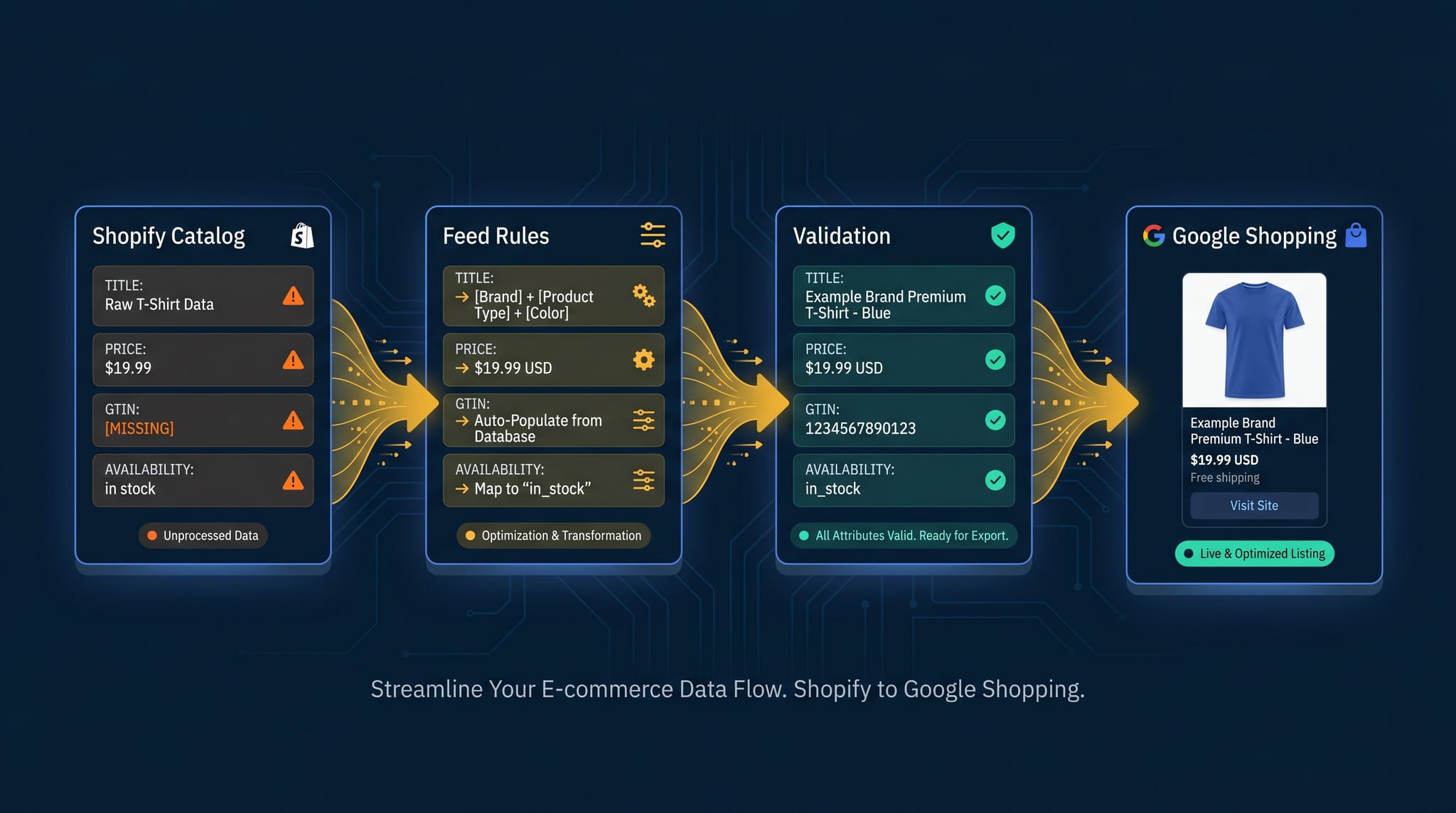
The Complete Guide to Product Feed Management for Shopify
Product feed management is more than syncing your catalog. Here's the complete guide to how it works, what breaks, and how Shopify merchants do it right.
Google Merchant Center Disapproved Products: The Complete Fix Guide (Updated 2026)
Product disapproved in Google Merchant Center? Diagnose the exact cause and fix it fast — every disapproval type, the fields to check, and how to stop repeats. Updated for 2026 policies. Merchant Center. Step-by-step fixes for GTINs, price mismatches, image violations, missing attributes, and more.