Google's August 17 Bidding Change: What Shopify Shopping Advertisers Need to Do

Here is Google’s own example of what changes on August 17, from their announcement: “If your campaign’s Target CPA is $10, but your recent actual CPA performance is $5, your campaign will deliver more closely to a $10 actual CPA starting August 17, 2026.”
Read that twice, because most coverage of this change buries it. If your Shopping or Performance Max campaign has been quietly beating its target — spending at a $5 CPA against a $10 target, or delivering 800% ROAS against a 500% goal — that over-delivery ends on August 17. Budget-limited campaigns with bidding targets will start performing to the target you wrote down, not the performance you’ve been enjoying. If your targets are stale, your real costs move toward them.
This guide covers what’s actually changing (from Google’s documentation, not the discourse), how to check whether your campaigns are affected, what to do before the deadline — and the part nobody else is writing about: why this change quietly raises the price of a sloppy product feed.
What exactly changes — verified against Google’s docs
From Google’s announcement and FAQ:
- Who’s affected: campaigns that are budget-limited (“Limited by budget” status) and use a bidding target — Target CPA or Target ROAS, including the target fields inside Maximize conversions / Maximize conversion value. Campaigns that aren’t budget-capped, or that run targetless strategies, are unchanged.
- Which campaign types: Search, Shopping, Performance Max, Demand Gen, Display, Hotel, and Travel — in both Google Ads and Search Ads 360. App and most Video campaigns are excluded.
- What Google says it is: “This is specifically a bidding change. Google Ads auction mechanisms will not change.” For Performance Max and Shopping, Google’s FAQ says to expect “changes in spend allocation across channels.”
- There is no opt-out. And Google states plainly: “Google will not automatically adjust your bidding targets or budgets.” The change ships; what you do with your targets is on you.
Google announced this in mid-June through ads liaison Ginny Marvin, and a Bid Target Adjustment Tool has been live in accounts since July 6 — it shows roughly twelve months of actual performance against your stated targets so you can reset them from data rather than guesswork.
Why advertisers are upset about it
The controversy is worth understanding because it tells you what to watch in your own account. PPC practitioner Joey Bidner called it “one of the most self-serving Google-centric changes we’ve seen in years” — his argument being that many advertisers set loose targets deliberately, to give Smart Bidding room to explore while budget caps keep spend safe. Under the new behavior, that loose target stops being a ceiling the algorithm beats and becomes a level it delivers to.
Google’s Ginny Marvin replied in the same thread: “We want advertisers to set targets that actually mean something to their business,” and Google publicly denied that this is part of a broader Smart Bidding overhaul. Kirk Williams of ZATO raised the sharpest technical question: why would a budget-capped campaign ever stop chasing the most efficient auctions available?
Whichever side you take, the practical translation is the same: after August 17, your targets are load-bearing. A number you set eighteen months ago and forgot about is now an instruction Google will follow.
The pre-August-17 checklist
- Find your exposed campaigns. In Google Ads, filter for campaigns showing “Limited by budget” that use tCPA or tROAS (including targets set inside Max conversions/Max conversion value). Those are the ones that change behavior.
- Compare stated targets to 30-day actuals. The Bid Target Adjustment Tool (in-account since July 6) does this with a year of history; a 30-day pull works too. If actual CPA is well under target — or actual ROAS well over — you’ve been over-delivering, and that gap is what closes.
- Pick one of four moves per campaign:
- Keep the target — if it genuinely reflects your economics, no action needed.
- Tighten it to actuals — most practitioners advise moving gradually; Practical Ecommerce’s Matthew Umbro suggests staying within ~20% of recent actual performance per adjustment.
- Drop the target entirely — plain Maximize conversions / conversion value with a budget cap behaves as before.
- Fund the budget — a campaign that isn’t budget-limited isn’t affected.
- Do it before the wave, not during. Bid strategies re-learn when targets move; changing them calmly in early August beats changing them while the new behavior is also kicking in.
The part nobody’s writing: your feed just became a bidding input that matters more
Every guide stops at “adjust your targets.” Here’s what they miss for Shopping and Performance Max specifically: a target is only as good as the product data underneath it.
Until now, a blended, slightly-wrong tROAS across your whole catalog was mostly harmless — Smart Bidding often beat it anyway. Once targets bind, a wrong target is a real instruction with a real cost. That makes three feed-side levers suddenly worth more (this section is our analysis, not Google’s guidance — treat it accordingly):
- Margin-accurate custom labels. One tROAS across a catalog with 15% and 60% margin products was always crude; after August 17 it’s expensive, because the campaign will deliver to that crude number. Segmenting by margin tier with
custom_labelfields and setting per-tier targets is the fix — we’ve written a complete guide to margin-based custom labels. - Price competitiveness and availability hygiene. Google’s FAQ flags that PMax will shift “spend allocation across channels” under the new behavior. The products that can hit a firm target are the ones that are priced competitively, in stock, and fully approved — feed errors don’t just cost impressions anymore; they steer a stricter bidding system away from products that should be earning.
- Clean conversion economics in the feed. If your targets are being reset from actuals, make sure the actuals mean something: correct prices, correct availability, no disapproved-but-fixable products dragging the campaign’s learnable data. Our feed optimization guide covers the audit order.
The one-line version: August 17 converts target-setting from a suggestion into a commitment, and your feed decides whether that commitment is set on good information.
Audit your feed before you reset your targets — Simple Product Feeds installs free and shows you exactly which products carry errors, missing data, or margin-label gaps.
What happens if you do nothing
Nothing breaks on August 18 — but budget-limited campaigns with generous targets will drift toward those targets. For most merchants that means costs rising toward a stale tCPA, or ROAS falling toward a stale tROAS floor, without any alert or setting change. Because there’s no opt-out and no automatic adjustment, “do nothing” is a decision to let old numbers drive new spend. Fifteen minutes with the checklist above is cheap insurance.
One more date while you’re in the account: the Content API for Shopping sunsets August 18 — the day after. If your feed tooling hasn’t migrated to the Merchant API, that’s two deadlines in one week; check with your feed provider now.
If you’re newer to feed-driven advertising, start with the complete guide to product feed management; if you want your feed working harder before the deadline, the AI Max readiness checklist pairs well with this one.
Ready to simplify your product feeds?
Simple Product Feeds connects your Shopify store to Google Shopping, Meta, and more — in minutes.
Install Simple Product FeedsFrequently Asked Questions
- Does the August 17 Google Ads change affect Shopping and Performance Max campaigns?
- Yes. The change applies to budget-limited campaigns using Target CPA or Target ROAS across Search, Shopping, Performance Max, Demand Gen, Display, Hotel, and Travel campaigns. For Shopping and PMax specifically, Google says to also expect changes in spend allocation across channels.
- Can I opt out of the August 17 bidding change?
- No. There is no opt-out. Your options are to keep your targets, adjust them (Google’s Bid Target Adjustment Tool has been live since July 6), switch to a targetless strategy like Maximize conversions, or raise the budget so the campaign is no longer budget-limited.
- Will Google automatically change my targets or budgets?
- No. Google states plainly that it will not automatically adjust your bidding targets or budgets. The behavior change ships either way — reviewing your targets before August 17 is on you.
- What happens if I do nothing before August 17?
- Budget-limited campaigns with generous targets will start delivering toward those stated targets instead of beating them — costs drift toward a stale Target CPA, or return drifts down toward a stale Target ROAS, with no alert. If your targets already reflect your real economics, nothing changes.
- What does a product feed have to do with a bidding change?
- Once targets bind, a wrong target is an instruction with a real cost — and targets are only as good as the data under them. Margin-accurate custom labels enable per-tier ROAS targets instead of one crude blended number, and clean pricing/availability data determines which products a stricter bidding system can profitably serve.
Related Articles
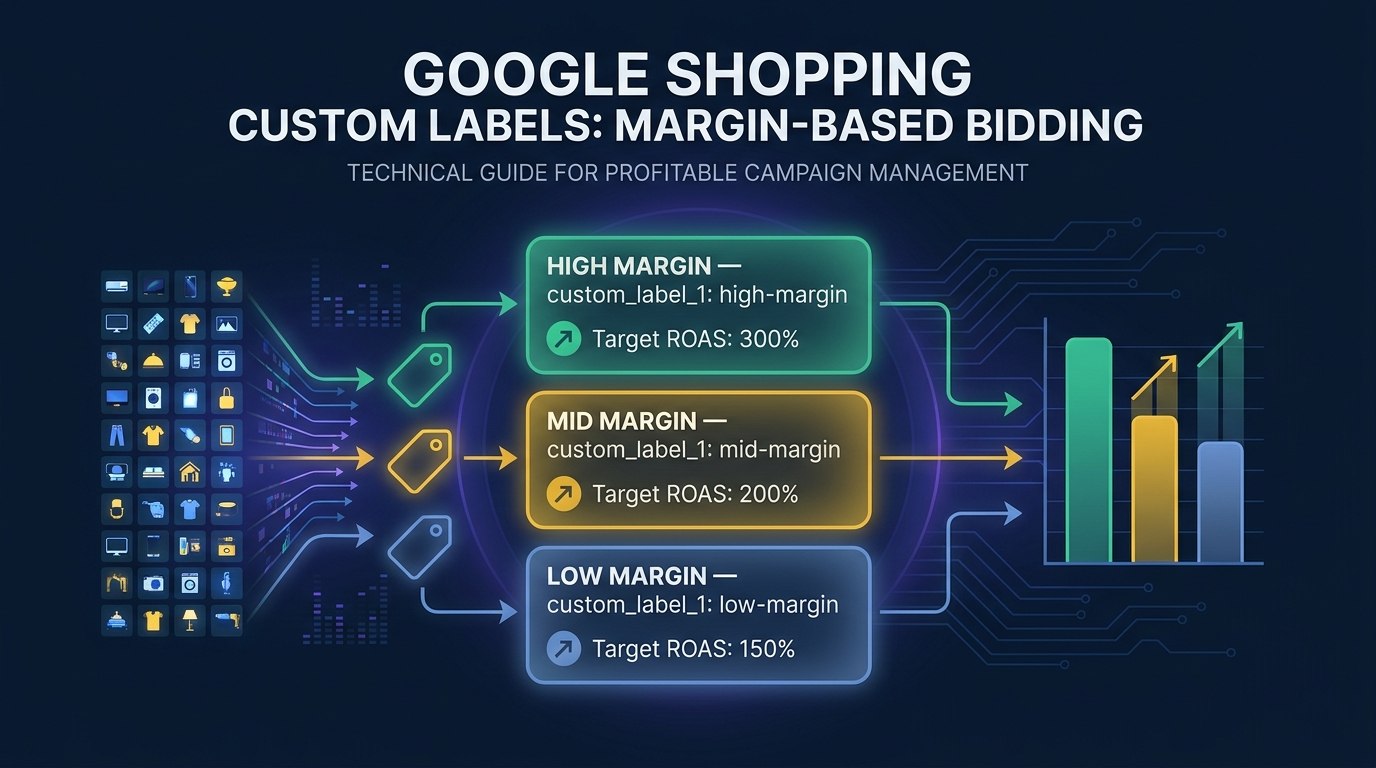
Google Shopping Custom Labels: A Merchant's Guide to Margin-Based Bidding
Custom labels let you tell Google's algorithm what it can't figure out on its own. Here's how to use them for margin-based bidding and smarter Google Shopping campaigns.
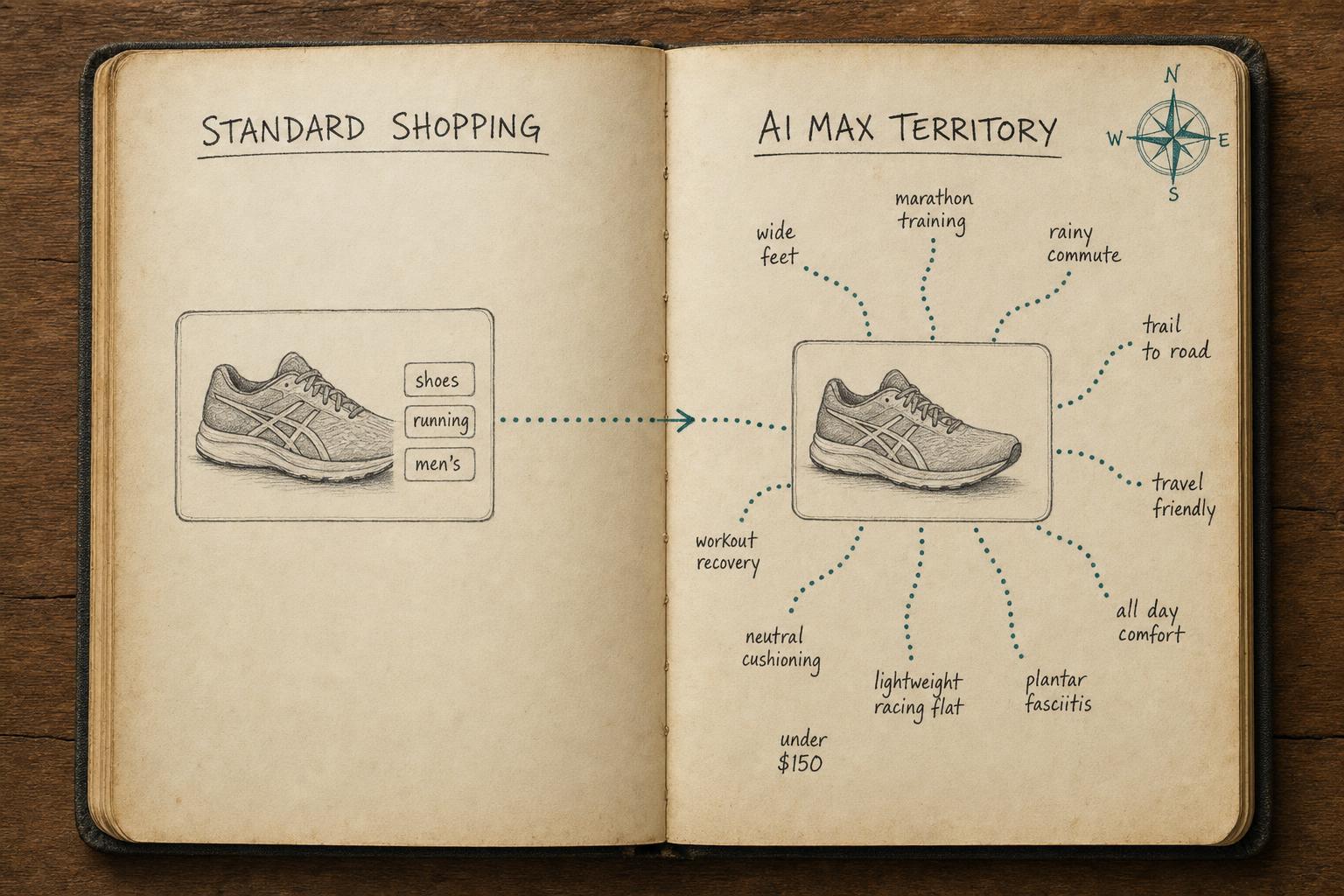
Is Your Shopify Feed Ready for AI Max for Shopping?
Is your Shopify feed ready for AI Max for Shopping? Run this pre-launch checklist before you enable it — or risk wasting budget on weak signals.
How to Optimize Your Shopify Product Feed (Complete Guide)
Optimize your Shopify product feed for Google Shopping with this step-by-step guide. Fix titles, categories, GTINs, and feed rules to get more impressions and clicks.
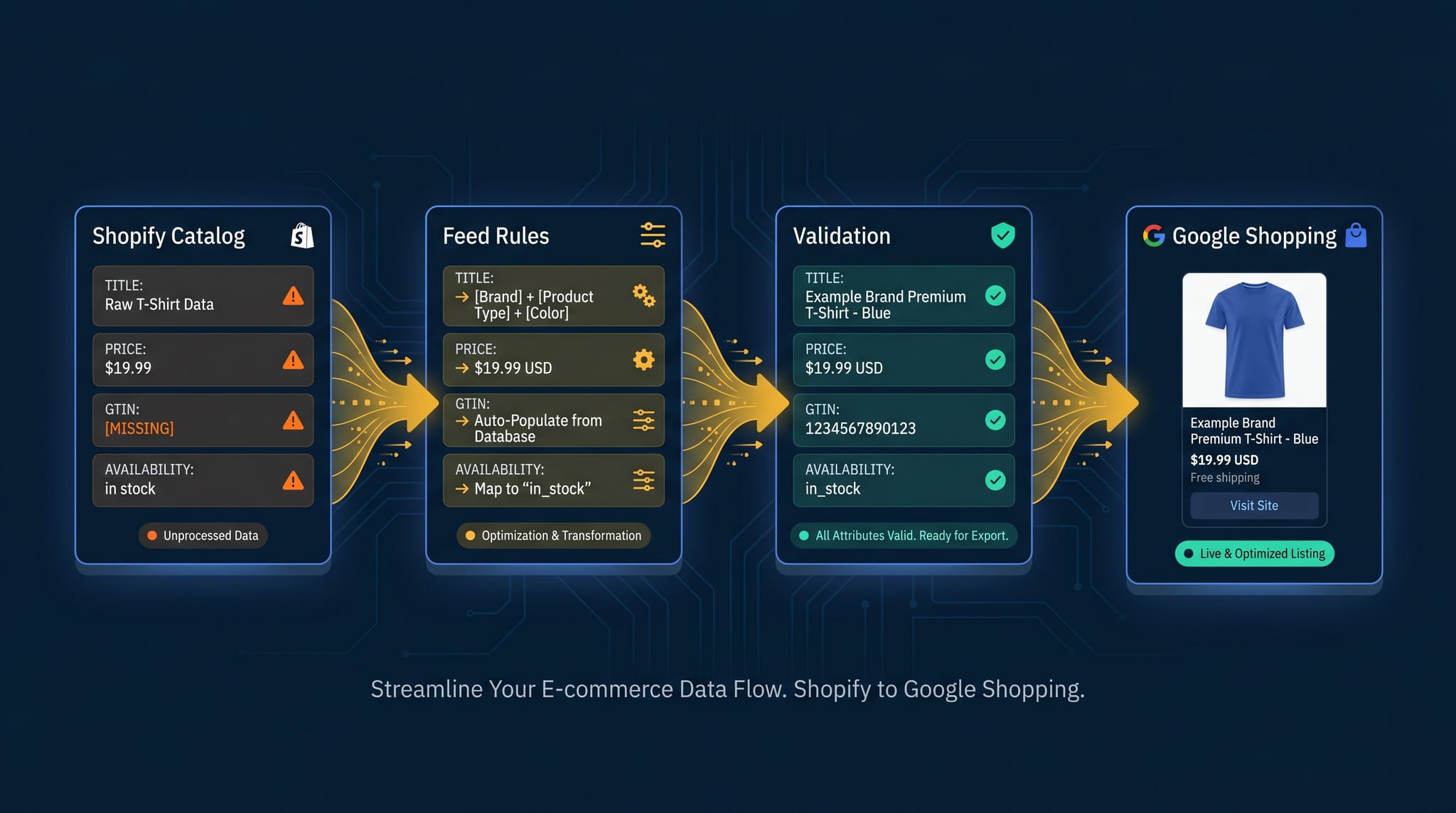
The Complete Guide to Product Feed Management for Shopify
Product feed management is more than syncing your catalog. Here's the complete guide to how it works, what breaks, and how Shopify merchants do it right.