How to Manage Your Shopify Product Feed with Claude Code

It usually starts with an email. Google Merchant Center has disapproved a batch of products, your Shopping ads have quietly stopped serving for them, and now you’re staring at a wall of red in a dashboard, trying to work out which of nineteen possible causes applies to you. Every Shopify merchant who runs product feeds knows this fire drill.
Here’s what the same moment looks like when your feed tool is connected to Claude Code:
You: My Google feed has errors. What's wrong and how do I fix it?

Claude: I checked your feed. There are 658 errors across 634 products,
but the good news is they collapse into just two problems:

1. Invalid Link URL (634 rows) — every product's link is a relative
   URL like "?variant=46618569703589" instead of a full
   https:// address. This is one store-level configuration issue,
   not 634 separate problems. One fix clears all of them.

2. Missing image link (24 rows) — one product (all 24 of its
   variants) has no primary image. Here's the Shopify admin link
   to add one.

Want me to walk through the link fix?
That’s not a mockup. It’s a lightly edited transcript of a real session against a store we operate — and this guide shows you how to run the same workflow: diagnose, trace, fix, and verify your product feed by talking to an agent, with your feed tool doing the heavy lifting underneath.
What changed: your agent became the interface
Two things happened over the past year that make this practical rather than science fiction.
First, the Model Context Protocol went from an Anthropic project to industry infrastructure — donated to the Linux Foundation’s Agentic AI Foundation in December 2025, with over ten thousand public MCP servers and support across Claude, ChatGPT, Cursor, and Gemini. MCP is the plug standard that lets an AI agent operate real tools: not “chat about your feed,” but call your feed tool’s functions and read real answers.
Second, agents stopped being a developer curiosity. Shopify’s own AI Toolkit now lets Claude Code, Codex, and Cursor manage store tasks, and Shopify reported AI-driven traffic up 8x year-over-year in Q1 2026, with orders from AI search up roughly 13x. Merchants increasingly have a coding agent open all day anyway — for their theme, their apps, their ops scripts. The question is what else that agent can operate.
Here’s the gap: Shopify’s toolkit covers your store — products, themes, orders. The new wave of shopper-facing MCPs (Shopify’s catalog and checkout agents suite) covers buying. But your product feed — the pipeline that decides how your catalog appears on Google Shopping, Bing, affiliate networks, and now AI shopping surfaces — sits between those worlds, and it’s exactly the kind of fiddly, diagnostic, multi-step work agents are best at.
The mental model: the agent operates, the feed tool executes
The setup that works is not “an AI feed tool.” You don’t need another AI product. You need your existing agent — Claude Code in your terminal, the desktop app, or claude.ai — connected to a feed tool that exposes two surfaces:
- Readable state (MCP tools): what feeds exist, how healthy they are, what’s failing validation, and why any individual row looks the way it does.
- Writable configuration (a REST API): rules, field mappings, per-product overrides, regeneration — the levers that actually fix things.
Simple Product Feeds exposes both — and since this guide was first published, the write surface moved into the MCP server too: fifteen tools now cover reads (spf_list_feeds, spf_feed_health, spf_feed_findings, spf_feed_products, spf_debug_row, spf_channel_status) and preview-first writes (spf_preview_rule/spf_apply_rule, spf_set_overrides, spf_set_cells, spf_update_mappings, spf_set_margin_tiers, spf_run_feed, spf_sync_channel), with the full REST API alongside. You’ll find the connection details and API keys under Settings → AI Agents in the app — or install the Claude Code plugin + feed-ops skill for the workflows in this guide, packaged. Setup is a couple of minutes.
A working session, start to finish
Here’s the real workflow from that opening transcript, tool call by tool call, so you can see what the agent actually does.
Step 1 — survey. “What feeds do I have?” The agent calls spf_list_feeds and gets structured JSON back: a primary Google feed with 634 products, a French-language variant of the same catalog, and a US market feed scoped to 47 products — each with its last run time and status. No dashboard tour required.
Step 2 — health check. “How’s the main feed?” One call to spf_feed_health returns the digest: all 634 products included in scope, the Commission Junction channel showing warnings only, and Google Merchant Center showing 658 errors and 634 warnings. This is the moment a human usually starts scrolling through a validation report. The agent instead moves to:
Step 3 — findings. spf_feed_findings groups those 658 errors by cause, and this is where agent-driven diagnosis earns its keep. The 658 errors collapsed into exactly two findings:
{ "category": "Invalid Link URL", "field": "link",
  "affected_count": 634,
  "sample": { "field_value": "?variant=46618569703589",
              "message": "'link' must be a valid URL beginning
                          with http:// or https://" } }

{ "category": "Missing Required Image Link", "field": "image_link",
  "affected_count": 24,
  "sample": { "shopify_admin_url":
      "https://your-store.myshopify.com/admin/products/…" } }
A wall of 658 red rows is actually one configuration problem (every link is relative because the store’s public domain isn’t set for the feed) plus one catalog problem (a single 24-variant product with no image, complete with a deep link to fix it in Shopify admin). That collapse-to-root-cause step is what merchants pay consultants for.
Step 4 — trace a single row. When a finding isn’t obvious, spf_debug_row shows one product’s complete journey through the transformation pipeline — source data from Shopify, each mapping and rule applied in order, and the final rendered row per channel. If a title looks wrong in the feed, the debug trace shows which rule changed it and what the value was before. No more guessing whether Shopify, the feed tool, or Google mangled your data.
Step 5 — fix, with your hand on the wheel. Changes are MCP tools too, and the pattern that keeps this safe is preview → confirm — enforced, not suggested: applying a rule requires a preview token bound to the exact rule text, so the agent literally cannot apply a rule it hasn’t shown you. The agent drafts the fix — a store-domain correction, a rule that rewrites links, a per-product override or cell edit — previews exactly what will change, and applies only when you say so. Overrides and cell edits are one-call undoable, and every write is recorded in an audit log, so there is always an answer to “what did the agent change, and when?”
Step 6 — regenerate and verify. The agent triggers a feed regeneration through the API, polls the run until it completes, then calls spf_feed_health again. Errors: zero, or a much shorter list. The loop closes with evidence, not vibes.
Try this against your own catalog — Simple Product Feeds installs free, and the read-only MCP tools work from the first minute.
Five prompts to steal
The workflow above generalizes. These are prompts we actually use:
- The weekly audit: “Check all my feeds’ health, group any errors by root cause, and tell me the single highest-impact fix.”
- Disapproval triage: “Google disapproved some products. Pull the findings, separate config-level causes from per-product ones, and give me Shopify admin links for anything I need to edit by hand.”
- Title sweep: “Show me my 20 best-selling products’ titles as Google will see them. Propose title improvements following Google’s best practices, preview the rule, and wait for my approval.”
- New channel launch: “I want this catalog on Bing. What does the Bing feed need that Google’s doesn’t, and what’s missing from my data?”
- Pre-holiday readiness: “Black Friday is six weeks out. Audit images, availability, prices, and shipping fields across every channel, and give me a prioritized fix list.”
The honest ecosystem map
If you’re evaluating this space, here’s what actually exists as of mid-2026:
- Shopify AI Toolkit (docs) — store and dev operations from Claude Code and friends. Excellent, and complementary: it doesn’t touch feed management.
- Merchant Center connector MCPs (PaidSync, Windsor, Pipeboard, and others) — read-only diagnostics of your GMC account. Useful for seeing problems; they can’t trace a row through your feed pipeline or change anything.
- Feedoptimise shipped an MCP server for its feed platform in April 2026 — credit where due, they moved early. Its tools cover audits, blocking/unblocking products, and sync triggers.
- Simple Product Feeds — the approach in this guide: full read surface including per-row pipeline tracing, plus the complete write API (rules, mappings, overrides, regeneration) so the agent can close the loop from diagnosis to verified fix.
Whatever tool you use, the checklist for “agent-drivable” is the same: Can the agent read real state? Can it trace one row’s lineage? Can it make changes with preview-and-confirm? Is there an audit log? If any answer is no, your agent is a chatbot with opinions, not an operator.
Where this goes
Google is already reading feeds through AI surfaces — see our field report on Google’s conversational attributes and the AI Max readiness checklist. The same structured catalog data that feeds Shopping ads is becoming the substrate AI shopping agents read. Merchants who can operate that data quickly — audit it, fix it, test it — compound an advantage weekly. The fastest way we know to operate it is the one in this guide: your agent, your feed tool, and a tight read-fix-verify loop.
If you’re starting from zero on feeds, begin with the complete guide to product feed management; if you want to go deeper on systematic improvement, your feed is also a testing platform.
Ready to simplify your product feeds?
Simple Product Feeds connects your Shopify store to Google Shopping, Meta, and more — in minutes.
Install Simple Product FeedsFrequently Asked Questions
- Can Claude Code manage a Shopify product feed?
- Yes — when your feed tool exposes an MCP server and an API. Claude Code reads feed health, validation findings, and per-row traces through MCP tools, and applies fixes (rules, mappings, overrides, regeneration) through the REST API with preview-and-confirm. Simple Product Feeds ships both surfaces; setup lives under Settings → AI Agents.
- Do I need to know how to code?
- No. You describe what you want in plain language ("why are these products disapproved and how do I fix them?"); the agent makes the tool calls. Claude Code runs in a terminal, desktop app, or on the web — the terminal is just where it lives, not a skill requirement.
- What is an MCP server?
- The Model Context Protocol is an open standard (now under the Linux Foundation) that lets AI agents call real tools and read structured results. An MCP server is the tool side of that plug: it exposes functions like "get feed health" that any MCP-capable agent — Claude, ChatGPT, Cursor — can call.
- Is it safe to let an AI agent change my feed?
- The pattern that makes it safe is read-by-default, preview-before-write. MCP tools are read-only; changes go through the API where the agent shows exactly what will change and applies it only on your confirmation, with every write recorded in an audit log.
- Does this work with ChatGPT or Codex instead of Claude?
- Yes. MCP is agent-agnostic — ChatGPT, Codex, and Cursor speak it too. This guide uses Claude Code because that is what we operate daily, but the same server and API work with any MCP-capable agent.
Related Articles
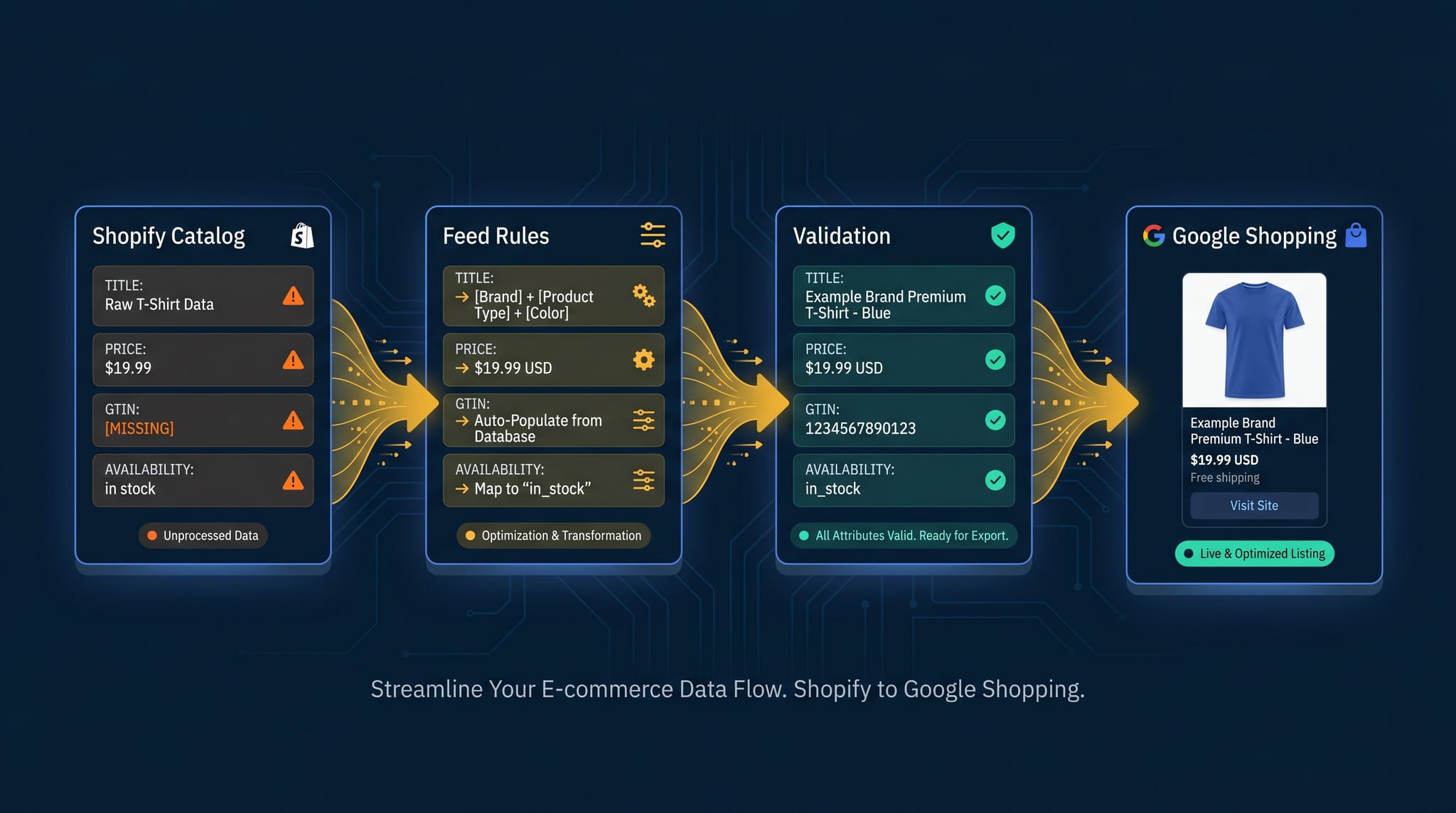
The Complete Guide to Product Feed Management for Shopify
Product feed management is more than syncing your catalog. Here's the complete guide to how it works, what breaks, and how Shopify merchants do it right.
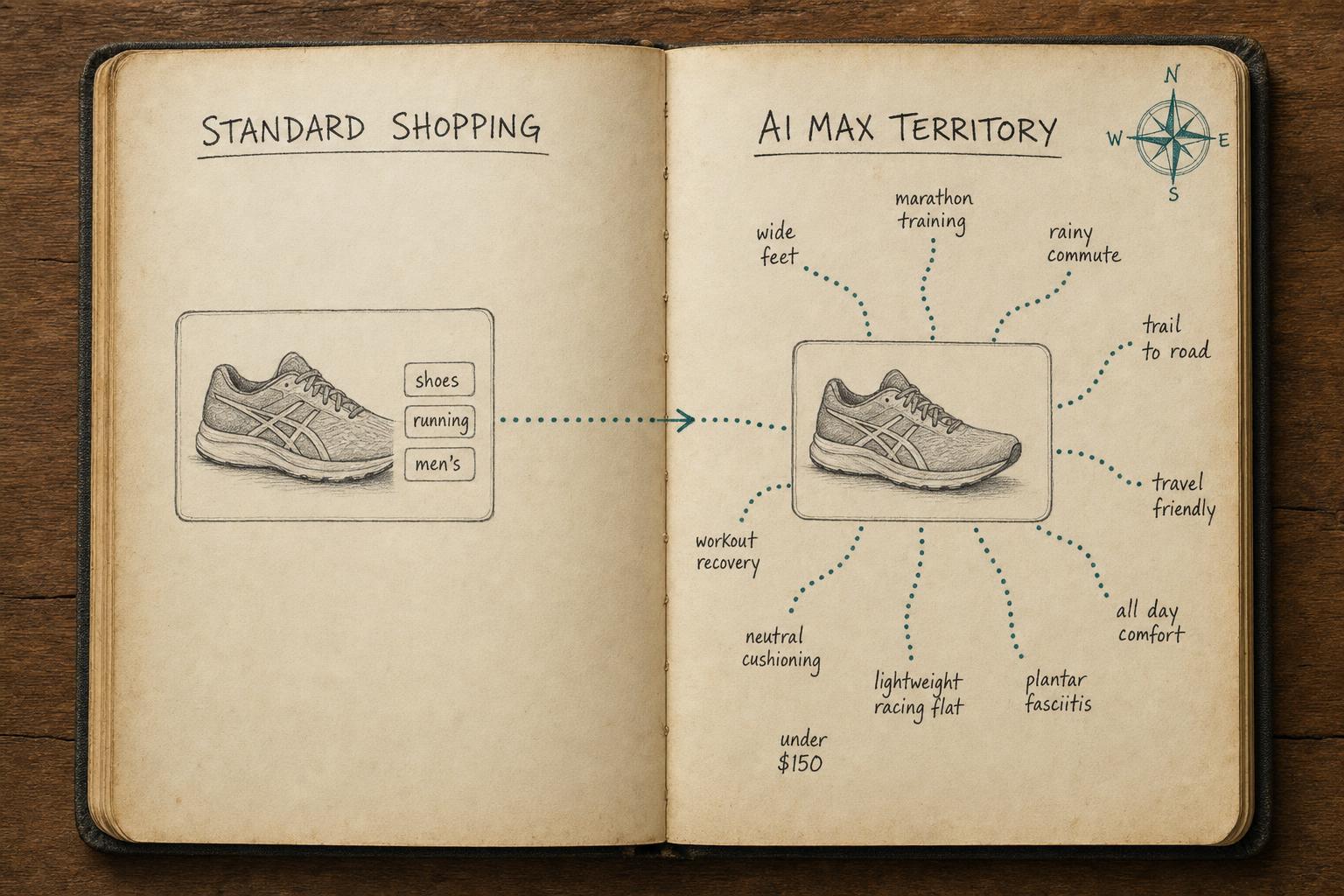
Is Your Shopify Feed Ready for AI Max for Shopping?
Is your Shopify feed ready for AI Max for Shopping? Run this pre-launch checklist before you enable it — or risk wasting budget on weak signals.

Google's Conversational Attributes: A Field Report from One of the First Real Uploads
Google just added six new AI-shopping fields to Merchant Center — and no feed tool can generate them with rules. We built them with an LLM, uploaded them, and documented everything: the format, the gotchas, the costs, and the open questions.
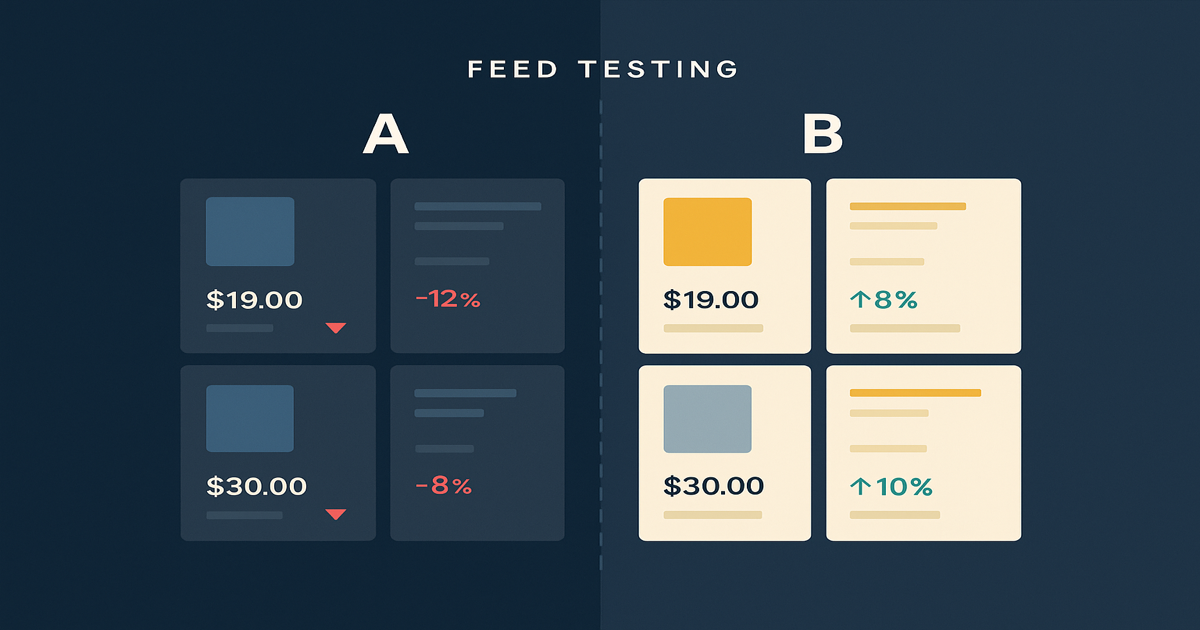
Your Shopify Product Feed Is a Testing Platform — Here's How to Use It
Most merchants treat their feed as a sync task. Here's how google shopping feed optimization with feed rules generates real marketing signal — and what to do with it.