Google's Universal Cart Watches Your Price and Stock. Is Your Shopify Feed Ready?
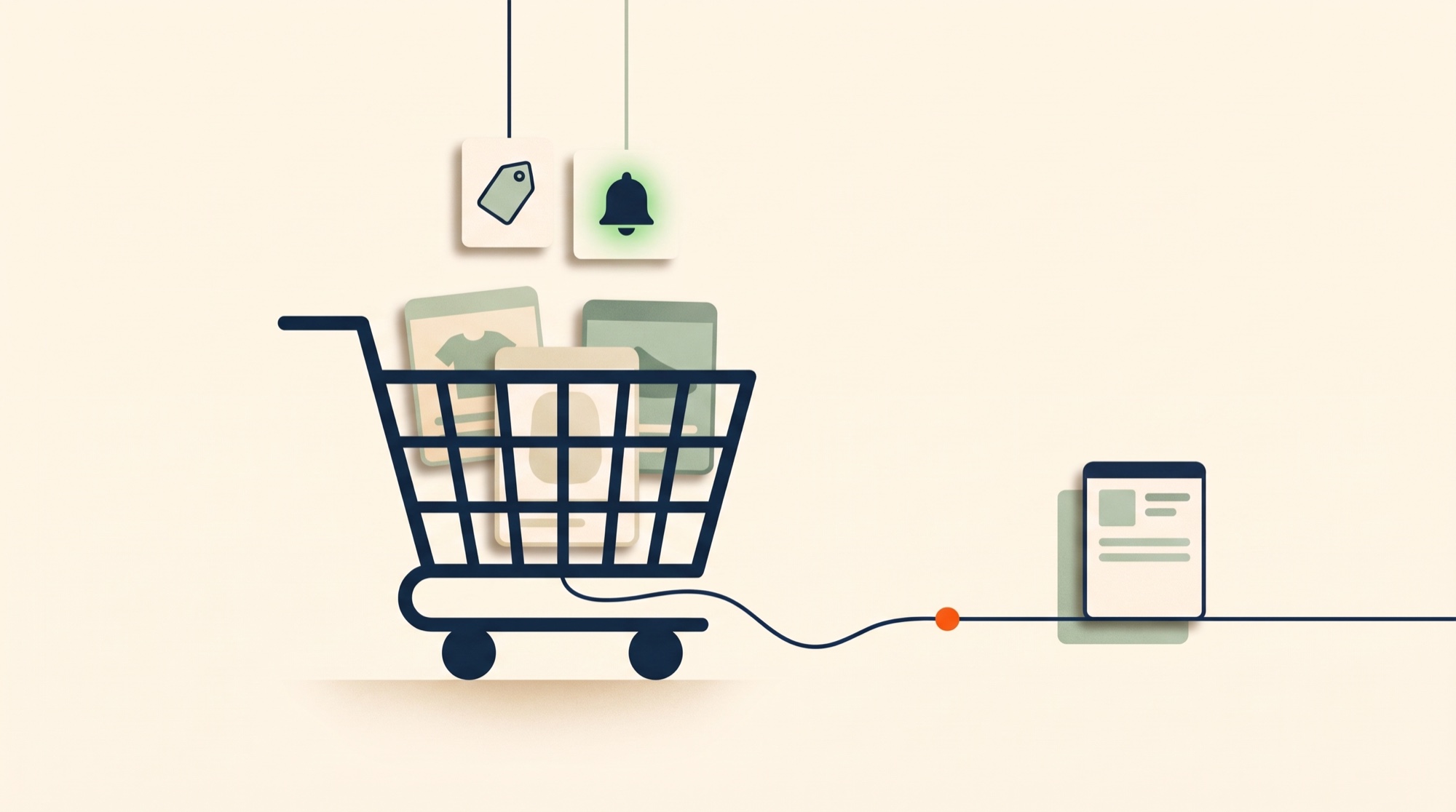
On October 15, 2026, Google launched Universal Cart in the United States, across Google Search (including AI Mode) and the Gemini app. A shopper can now drop products from Nike, Target, Walmart, and “many Shopify merchants” into one cart, and the cart keeps working after they close the tab: it watches for price drops, alerts them when something comes back in stock, finds promo codes, and suggests which card to pay with. Checkout happens with Google Pay for participating merchants, or the cart transfers the items to the merchant’s own site.
Everything the cart knows about your product comes from one place. Google says the cart draws on “the 60+ billion continually refreshed product listings in Google’s Shopping Graph.” For a Shopify store, that means your Merchant Center product data. Your feed.
This article is about the part of that sentence most launch coverage skipped: a cart that promises to watch your price and stock has just turned feed freshness into a shopper-facing promise, and it is your feed that keeps it or breaks it.
What actually launched
From Google’s announcement and Merchant Center documentation:
- Where: U.S. only, in Google Search (including AI Mode) and the Gemini app. You can add items while browsing Search, chatting with Gemini, watching YouTube, or reading Gmail.
- What the cart does on its own: tracks price drops and price history, alerts on restocks, finds promo codes, flags product incompatibilities, and suggests payment methods based on card benefits.
- Checkout: “securely check out with Google Pay in just a few taps with many of your favorite stores right in the cart, or you can transfer your items directly to the merchant’s cart to finish buying on their site.”
- Under the hood: checkout is powered by the Universal Commerce Protocol (UCP), the open standard Google announced in January 2026 with Shopify as a co-developer. The cart is built on Google Wallet.
- Named merchants: Nike, Sephora, Target, Ulta Beauty, Walmart, Wayfair, and Shopify merchants including Fenty and Steve Madden.
Merchant Center’s help page on UCP checkout adds the merchant-side rule: only listings carrying the native_commerce checkout-eligibility attribute show the in-cart “Buy” button, and participation requires completing the technical implementation and submitting Google’s interest form. Everyone else gets the second path, cart transfer to your site, which needs no sign-up at all.
How a Shopify product gets into the cart
Two things have to be true.
1. Your product is in the Shopping Graph. It got there through Merchant Center: either the Google & YouTube sales channel, or a product feed from an app like Simple Product Feeds. If you have free listings or Shopping ads today, you are already in. Universal Cart is a new surface reading data you already send.
2. For in-cart checkout, you opted in. Shopify’s Agentic Storefronts handles the UCP integration for its merchants. Per Shopify’s help documentation, direct selling through agentic storefronts is deactivated by default, and you opt in per channel under Sales channels › Agentic. Google AI Mode and Gemini listings come through your Google & YouTube channel or Merchant Center. If you do not opt in, shoppers can still add your products to Universal Cart; they just finish the purchase on your store.
So for most Shopify merchants the launch is not a project. It is an audit.
The promise your feed just made
Here is the mechanism that matters. Universal Cart tells a shopper: I will watch this for you. The cart then compares, over days and weeks, what your feed says against what it said before.
- Your feed says the price dropped from $89 to $69. The shopper gets a price-drop alert and comes back.
- Your feed flips
availabilityfromout_of_stocktoin_stock. The shopper gets a restock alert and comes back.
Now run it with a stale feed.
- Your store ran a 24-hour flash sale, but your feed only regenerates weekly. The sale ended on Tuesday; your feed still says $69 on Friday. The shopper clicks through from a price-drop alert to a $89 product. That is a lost sale and a lost bit of trust in the alert, and Google notices mismatches between feed price and landing-page price.
- A product sold out on your store this morning. Your feed still says
in_stockuntil tonight’s run. The cart does not alert anyone, which is fine. But the reverse case is worse: you restocked, your feed saysout_of_stockfor another 18 hours, and the restock alert that would have brought back twelve shoppers never fires. The window closes before your feed opens it.
Before Universal Cart, a stale feed cost you ad spend and some free-listing impressions. Now it misfires a notification that a real person was waiting for.
The five attributes the cart reads hardest
Everything in your feed matters for discovery. These five decide whether the cart’s own features work for your products.
availability and availability_date. The restock alert reads this and nothing else. If your inventory moves daily, your feed should regenerate at least daily. If you run flash sales or drops, regenerate more often around them. In Simple Product Feeds, feed schedules are per feed; set the Google feed to the frequency your inventory actually changes at, not the default you picked at install.
price and sale_price with sale_price_effective_date. Price-drop tracking compares these over time. Use sale_price_effective_date for scheduled sales so the drop and the return to full price are both in the feed before they happen, instead of racing your regeneration schedule.
image_link. The cart shows your image next to Nike’s. Google’s minimum becomes 500 × 500 pixels for all products on January 31, 2027, and Google recommends 1500 × 1500 or larger. See the 500 × 500 image rule and how to find the Shopify products that will fail it.
gtin (and brand plus mpn when there is no GTIN). The Shopping Graph matches your listing to the same product at other retailers using identifiers. That is how the cart knows the $69 at your store and the $79 at theirs are the same thing, and how a price comparison includes you. No GTIN, no match, no comparison.
title and item_group_id. The cart holds specific variants, so your variant titles need to carry the attributes a shopper chose (color, size), and item_group_id has to group them so a restock on the chosen size is the alert that fires.
A 20-minute audit
- Check your Google feed’s schedule. If it is weekly and your inventory changes daily, change it today.
- Open the feed’s findings. In Simple Product Feeds that is the Findings tab on the Google channel; it lists missing GTINs, short titles, and price or availability problems by count. Fix the classes, not the rows: a rule that fills
brandfrom vendor for every product beats editing 300 cells. - Spot-check three products with Debug Rows. Pick a bestseller, a variant-heavy product, and something that sold out recently. Confirm the row’s
availability,price, andimage_linkare what your store shows right now. - Decide on in-cart checkout. Under Sales channels › Agentic, opt in or leave it. Either way your products are in the cart; this only changes where the purchase completes.
- If you use an AI agent, ask it to do steps 2 and 3 for you. A connected agent reads the same findings and rows and can draft the fixes for you to approve. Here is how that works.
What Universal Cart does not change
It does not change ranking in Shopping ads or free listings. It does not require a new feed, a new attribute, or a new app for Shopify merchants. It does not, as of launch, run outside the United States. It does make one old piece of advice urgent: your feed should say what your store says, as close to now as you can get it.
Install Simple Product Feeds free to put your Google feed on a schedule that matches your inventory, with validation findings and row-level debugging built in.
Sources
- Google, Google’s new Universal Cart launches today in the U.S. (October 15, 2026)
- Google, New tech and tools for retailers to succeed in an agentic shopping era (January 11, 2026, the UCP announcement)
- Google Merchant Center Help, About the Universal Commerce Protocol (UCP) and UCP-powered checkout
- Shopify Help Center, Agentic storefronts
- Google Merchant Center Help, image_link
Ready to simplify your product feeds?
Simple Product Feeds connects your Shopify store to Google Shopping, Meta, and more — in minutes.
Install Simple Product FeedsFrequently Asked Questions
- What is Google Universal Cart?
- A shopping cart Google launched in the United States on October 15, 2026, in Google Search (including AI Mode) and the Gemini app. Shoppers save products from multiple retailers in one cart; the cart tracks price drops and price history, alerts on restocks, finds promo codes, and suggests payment methods. Checkout is through Google Pay with participating merchants or by transferring the items to the merchant's own site.
- Do Shopify merchants need to do anything to appear in Universal Cart?
- If your products are in Merchant Center, through the Google & YouTube channel or a feed app, they are in Google's Shopping Graph and can be added to the cart. In-cart checkout with Google Pay requires opting in to direct selling under Sales channels › Agentic in Shopify; per Shopify's help documentation it is deactivated by default. Without opting in, shoppers finish the purchase on your store.
- Which feed attributes matter most for Universal Cart?
- availability (restock alerts read it), price and sale_price with sale_price_effective_date (price-drop tracking), image_link (500 × 500 minimum from January 31, 2027; 1500 × 1500 recommended), gtin or brand plus mpn (product matching across retailers), and title with item_group_id (so the cart holds the right variant).
- How often should my Google feed update now?
- At least as often as your inventory and prices change. If stock moves daily, regenerate daily; around flash sales or drops, more often. A weekly feed can leave a restock alert unfired for days or send a price-drop alert for a sale that already ended.
- Is Universal Cart available outside the United States?
- At launch, no. Google's announcement describes a U.S. rollout across Search and the Gemini app. Merchant Center's UCP checkout documentation currently covers products with eligibility in the United States, Canada, and Australia.
Related Articles
Google's 500×500 Image Rule Starts January 31, 2027: Find the Shopify Products That Will Fail
Merchant Center enforces a 500×500 pixel minimum for every product image on January 31, 2027. Why Shopify catalogs hide small images, three ways to list them, and how to fix the mapping before the photos.
How to Connect an AI Agent to Your Shopify Product Feed
There are two things people mean by connecting an AI agent to your Shopify product feed — and the operator one (audit, fix disapprovals, publish) is the one that saves you time. How to connect Claude, ChatGPT, and more, safely.
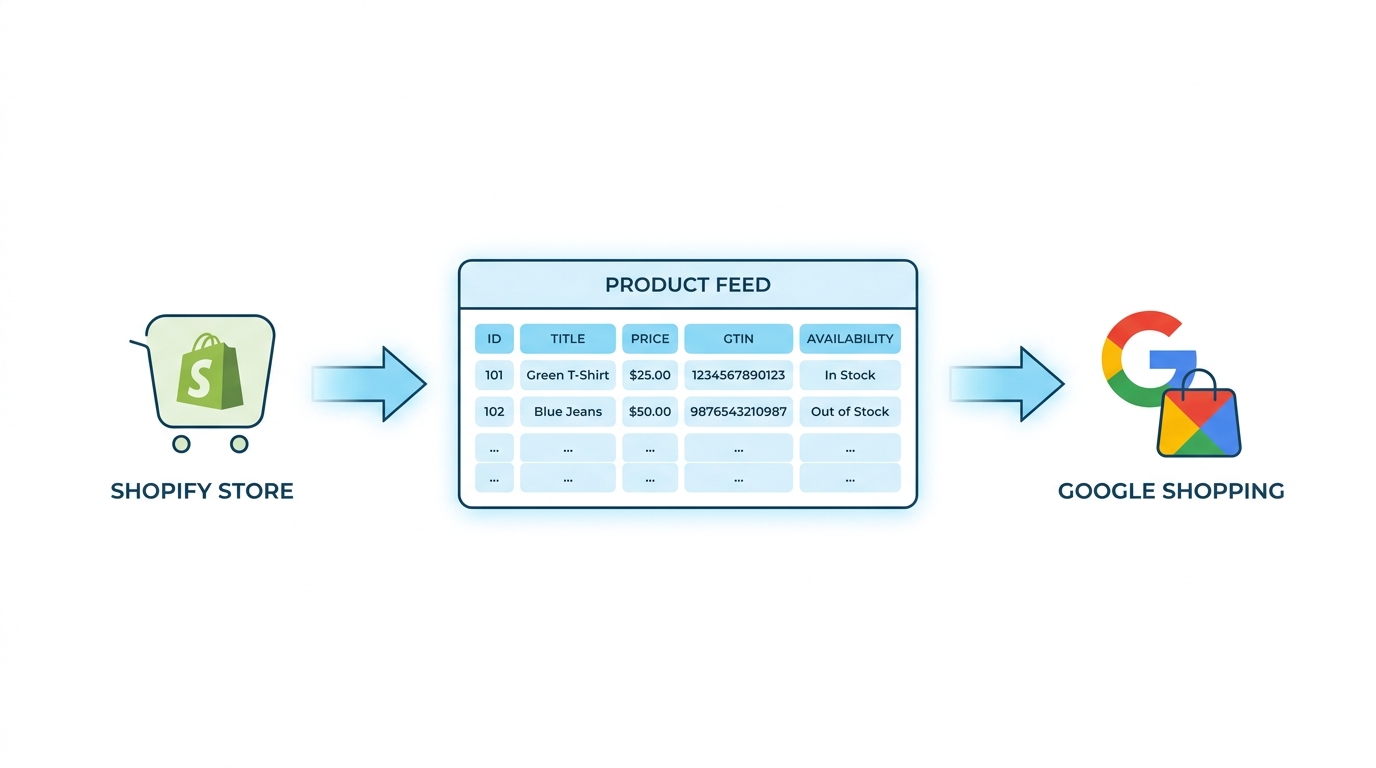
Google Shopping Product Feed for Shopify: Setup, Optimization, and Maintenance
Complete Shopify guide to Google Shopping product feed setup: field mapping, title optimization, GTIN validation, variant handling, and ongoing maintenance.
AI Readiness Score for Shopify Product Feeds: What It Measures, Where a Real Feed Lands, and How to Fix It
Channable says 77% of merchants' feeds fail its AI readiness audit. Here is what a feed-level score measures (14 attributes, from Google's own spec), a real audit of a 3,500-variant Shopify catalog that carries 4 of them, and how to run the audit and close each gap yourself.