How to Connect an AI Agent to Your Shopify Product Feed
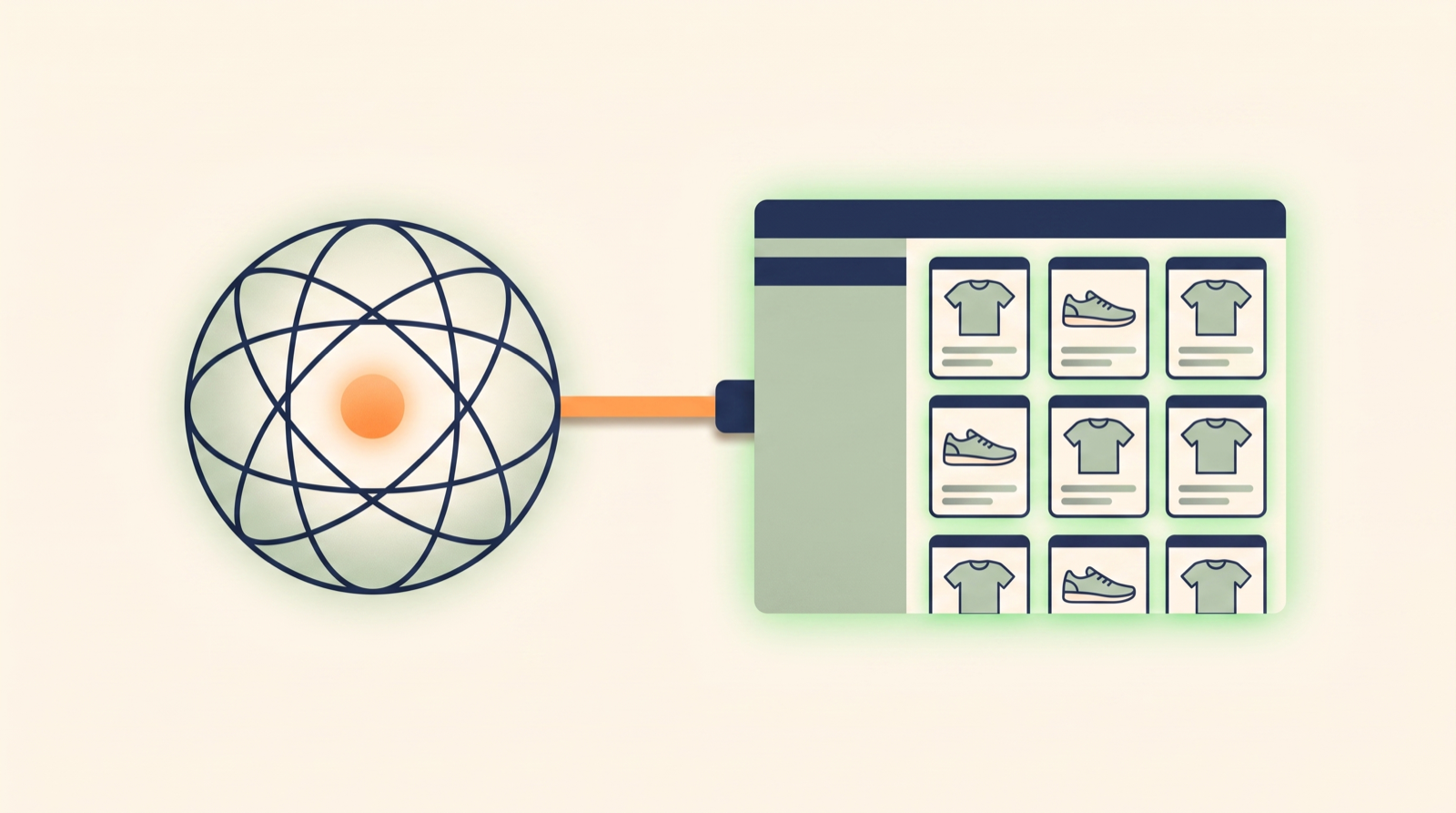
“Connect an AI agent to your Shopify product feed” turns out to mean two completely different things — and the guides that rank for it almost all cover the one that doesn’t save you any time.
The first meaning is syndication: listing your catalog so AI shopping assistants — ChatGPT, Microsoft Copilot, the Shop app — can surface and sell your products to their users. That’s Shopify’s own Agentic Storefronts (the Shopify Catalog channel), and it’s genuinely useful. But it’s buyer-facing. Your agent isn’t doing anything; you’re handing your catalog to someone else’s agent.
The second meaning is the one this guide is about: connecting your own AI agent to operate the feed. Not to sell — to run it. Audit it for errors, fix Google Merchant Center disapprovals, rewrite titles in bulk, set margin-based custom labels, publish to a new channel — by describing what you want in plain language and letting the agent do the fiddly part.
Those are different jobs, and you probably want both. This is the operator one.
Two very different “AI + your feed”
| Shopping agent (syndication) | Operator agent (this guide) | |
|---|---|---|
| Whose agent | The shopper’s (ChatGPT, Copilot, Shop) | Yours (Claude, ChatGPT, Codex, Cursor) |
| What it does | Surfaces and sells your products | Audits, fixes, and publishes your feed |
| Who it helps | Buyers discovering you | You, running feed operations |
| Shopify’s version | Agentic Storefronts / Shopify Catalog | — |
| The work it removes | Getting listed on AI channels | The manual grind of feed maintenance |
If your feed is clean, syndication works better and your Google Shopping campaigns spend more efficiently. So the operator side isn’t a competitor to the shopper side — it’s the thing that makes the shopper side pay off.
Why connect an operator agent at all
Product feeds are where small mistakes get expensive. A missing GTIN, a title Google doesn’t like, a variant that reads as out of stock — any one of them can get a product disapproved, which means it silently stops showing and quietly wastes budget until someone notices. Multiply that across hundreds or thousands of variants and a handful of channels, and feed maintenance becomes a job nobody enjoys and everybody defers.
That work is a near-perfect fit for an agent — if the connection is built for it. Not a general-purpose “run my whole store” integration, but one scoped to the feed, that knows what Google and each channel expect, and that never changes anything without showing you first. That last part is the whole game: an agent you can’t trust with your feed is worse than no agent at all.
What connecting your agent actually looks like
Simple Product Feeds exposes your feed to any AI agent over a single Model Context Protocol (MCP) endpoint:
https://app.simpleproductfeeds.com/v1/mcpPoint an agent at that URL and it gets a focused, 15-tool feed-operations loop — not raw Shopify admin access, but a purpose-built surface that understands feeds:
| The agent can… | Tools (representative) |
|---|---|
| See what’s in your feeds and what’s wrong | list feeds, feed health, feed findings, search products |
| Explain why a single row renders the way it does | debug row (per-channel lineage) |
| Change values and rules — always preview-first | preview a rule → apply it, set product overrides, set margin tiers |
| Publish and push to channels | run the feed, sync a channel (Google fetch, affiliate SFTP) |
Because it’s one server, the capabilities are identical no matter which agent you bring. That’s the point of MCP: a universal connector, so you’re not locked into one assistant.
How to connect it
On claude.ai — one click, no API key. Add a custom connector, paste the MCP URL, click Connect, sign in to Simple Product Feeds, and choose the store and access level. That’s it — the connection is approved with a click, and you can start with read-only if you want to watch before you let it write.
Any other agent — API key + the same URL. ChatGPT, Codex, Cursor, and Claude Code connect with a Simple Product Feeds API key sent as a Bearer token against the same endpoint. Each client has a slightly different config file; the exact snippet for yours is on the connect-your-agent page.
Install Simple Product Feeds free on Shopify →
Why it’s safe to let an agent touch your feed
This is where a feed-specialized connection differs from a generic “let AI run my Shopify store” MCP server. Three things make agent writes trustworthy:
- Preview-first. Every change is a two-step move: the agent shows you the exact before/after diff, and nothing publishes until you confirm. Ask it to “exclude out-of-stock products from the Google feed” and you’ll see precisely which rows would drop before it happens.
- Per-row lineage. For any product, the agent can explain why a field rendered the way it did — which mapping, which rule, which override produced the value. No black box.
- A full audit trail. Every write an agent makes is recorded on your shop, so there’s always a record of what changed and when.
Scopes make it safe to start small: connect read-only, let the agent find the problems, and grant write access once you trust what it proposes.
Your first session, read-only
The lowest-risk way to start is to connect with read access only and just ask the agent to look around. A first session tends to go like this:
- “Which of my feeds are healthy, and which have problems?” — the agent lists your feeds with their status.
- “What’s failing in the Google feed?” — it returns the findings, ranked, with counts: how many products are disapproved, for what reasons, and which fixes are one rule away.
- “Explain why this specific product is being excluded.” — it walks the row’s lineage and shows you the exact mapping or rule responsible.
At no point has anything changed. You’ve used the agent purely as a faster set of eyes on a feed that’s usually opaque. When you do decide to fix something, you flip on write access — and even then, every change still previews before it publishes. That progression, from read-only reconnaissance to preview-gated writes, is what makes handing feed work to an agent feel safe instead of reckless.
What you can actually get done
Because it’s plain language, the jobs read like requests, not code:
- “Audit my Google feed and tell me what’s failing.” — the agent reads your feed health and findings and hands you a ranked list.
- “Fix the products disapproved for missing GTINs.” — it proposes the change, previews it, and publishes once you approve. (For the full manual playbook, see the disapproved-products fix guide.)
- “Tag my high-margin products so I can bid on them separately.” — it writes margin-tier custom labels into the feed.
- “Set up a feed for a new channel and publish it.”
More prompt examples — copyable, mapped to real jobs — live on the /agents hub.
One shop, or every client shop
For a single merchant, that’s one connection to one store. For an agency, the same MCP server takes an organization key, so one agent operates across your entire client portfolio — audit every client’s feed in one pass, apply your playbook to each — with the same preview-first, fully-audited safety on every store. That’s the for-agencies story.
The honest bottom line
Connecting an operator agent to your Shopify product feed isn’t about replacing yourself — it’s about deleting the tedious, error-prone parts of feed maintenance while keeping you in the driver’s seat on every change. And it sits alongside the buyer-facing agentic-commerce work, not against it: a clean, well-run feed is exactly what makes your products show up well wherever agents — yours or your shoppers’ — are looking.
Ready to simplify your product feeds?
Simple Product Feeds connects your Shopify store to Google Shopping, Meta, and more — in minutes.
Install Simple Product FeedsFrequently Asked Questions
- Does connecting an AI agent let it sell my products?
- No — that's a different feature. Letting an AI shopping assistant surface and sell your products is syndication (Shopify's Agentic Storefronts / Shopify Catalog), and it's buyer-facing. Connecting your own operator agent through Simple Product Feeds lets you manage the feed itself — audit it, fix disapprovals, and publish — in plain language. Most stores want both.
- Which AI agents can I connect?
- Any client that speaks the Model Context Protocol (MCP): Claude on claude.ai and Claude Code, ChatGPT, Codex, and Cursor. It's a single MCP endpoint, so the feed-operation capabilities are identical whichever agent you bring.
- Is it safe to let an AI agent change my product feed?
- Yes, by design. Every write is preview-first — the agent shows you the exact before/after diff and nothing publishes until you confirm. You can inspect per-row lineage for any product, every change is recorded in an audit trail, and you can connect read-only until you trust what the agent proposes.
- Do I need to know how to code?
- No. On claude.ai you connect with one click and no API key, then operate the feed in plain language. Other agents need an API key pasted into a config file once, but the work itself is entirely conversational.
- How is this different from Shopify's Agentic Storefronts?
- Agentic Storefronts syndicates your catalog so AI shopping assistants can sell to their users — it is buyer-facing. Connecting an operator agent is you-facing: your own agent maintains the feed behind your Google Shopping and channel listings. A clean, well-run feed makes both work better, so the two are complementary.
Related Articles

How to Fix Google Merchant Center Disapprovals With an AI Agent
Most "fix disapprovals with AI" guides just mean pasting data into ChatGPT for suggestions. Here's the agent that reads your real Merchant Center disapprovals, previews the fix, and republishes — on your approval.

How to Audit Your Shopify Product Feed With an AI Agent
Manual feed-audit checklists don't get run, and free checkers don't know your feed. Here's how to audit your Shopify product feed by asking an AI agent — grounded in your live data, ranked by impact, and ready to fix.

How to Manage Your Shopify Product Feed with Claude Code
Connect Claude Code to your Shopify product feed: diagnose disapprovals, trace any row, apply fixes with preview-and-confirm, and verify — a working guide with real agent sessions.
The Complete Guide to Product Feed Management for Shopify
Product feed management is more than syncing your catalog. Here's the complete guide to how it works, what breaks, and how Shopify merchants do it right.