The Google Ads TOS Change Most Shopify Merchants Do Not Know About (And Why Your Feed Is the Safeguard)

The Google Ads TOS Change Most Shopify Merchants Do Not Know About (And Why Your Feed Is the Safeguard)
If you are running Performance Max or Smart Shopping campaigns, Google’s updated Terms of Service — effective July 1, 2026 — applies to you right now. Most Shopify merchants have not read it. The key change: advertisers are now explicitly accountable for all AI-generated campaign assets. Understanding google ads automation responsibility for Shopify operators means understanding how your product feed sits at the center of every ad your automation generates.
It has been two weeks since this took effect. If you have not audited your feed, run these checks today.
What Actually Changed on July 1, 2026
The TOS update is specific and worth reading directly. The core change removes previous ambiguity around automated content: advertisers are now responsible for all content generated by automated tools using their account data — including images, headlines, descriptions, and targeting decisions produced by Google’s AI.
Previously, responsibility for AI-generated assets existed in a gray area. Merchants could reasonably argue that Google’s automation was Google’s output. The July 1 update closes that gap. If Performance Max generates a headline that misrepresents your product — because your feed title was vague, incorrect, or incomplete — that misrepresentation is the advertiser’s liability.
This applies whether you actively manage your campaign assets or not. If automation is running, you are accountable for what it produces.
What this is not: a dramatic new enforcement regime where accounts get suspended overnight for minor feed issues. Google’s enforcement practices have not changed in the past two weeks.
What this is: a policy shift that clarifies where responsibility sits when AI-generated content causes a policy violation. Merchants who have been coasting on low-quality feed data now have less cover.
Why Shopify Merchants Are Disproportionately at Risk
The accountability framework applies to all Google Ads advertisers, but Shopify merchants running automated campaigns face a specific exposure.
Large retailers have dedicated feed operations teams. They have data quality pipelines, legal review cycles, and custom feed management systems that normalize product data before it reaches Google. Shopify merchants typically do not. The standard workflow is: export the Shopify catalog, connect to Google Merchant Center, enable Performance Max, and let Google handle the rest.
That workflow is efficient. It is also the source of the risk.
When you do a raw catalog export, you send whatever is in Shopify to Google. Default titles. Generic product types. Missing GTINs. Descriptions copied from suppliers. Performance Max then uses all of that as raw material for campaign asset generation. The automation amplifies what it receives — which means data quality problems become ad quality problems at scale.
Google ads automation responsibility for Shopify merchants is not abstract. It is the operational reality that your feed is the source of truth for everything Google’s AI generates downstream.
The Feed-to-Ad Pipeline: How Automation Creates Liability
To understand why feed quality is the compliance mechanism, you need to understand what Performance Max actually does with your data.
When Performance Max ingests your product feed, it uses that data to:
- Generate responsive ad headlines and descriptions from your product titles
- Create and select image assets from your product images and landing pages
- Build audience signals from your product categories and product types
- Determine which search queries trigger your ads based on feed attributes
Every step traces back to your feed. A product title like “Blue Shirt” gives the AI less to work with than “Men’s Oxford Button-Down Shirt in Navy, 100% Cotton, Slim Fit.” The AI generates something either way — but the output from the first title is more likely to be generic, inaccurate, or mismatched to what someone actually searches for.
Under the current TOS, both outputs are your responsibility. The one generated from vague data carries more compliance risk.
For a detailed breakdown of what feed attributes Performance Max relies on most heavily, see our AI Max for Shopping feed checklist.
What Feed Quality Means Under the New Standard
Feed compliance is not about perfect data. It is about accurate data. These are the fields that directly affect what automation generates — and therefore your risk exposure.
Product titles. Google uses your titles as raw material for AI-generated headlines. Titles that are vague, missing key attributes (size, color, material, brand), or keyword-stuffed without factual grounding produce unreliable automation output. The standard: your title should accurately describe the specific product, not optimize for a search term in isolation. See the Google Shopping title optimization guide for specifics on attribute order and completeness.
GTINs. Global Trade Item Numbers allow Google to independently verify product identity. Without a valid GTIN on a product that has one, Google cannot confirm that the ad it generates corresponds to the product it appears to be advertising. Missing GTINs are the single highest-risk data gap in most Shopify feeds.
Product type. This field is your categorization signal. “Home > Kitchen > Cookware > Skillets” is useful. “Products” is not. Product type affects audience targeting precision and how automation contextualizes your listings. A shallow or generic product type means the AI has fewer signals to work with — which means targeting is less accurate and compliance risk goes up.
Descriptions. Performance Max can use your description field to generate ad copy. If descriptions are duplicated across products, missing key product details, or purely promotional rather than factual, the AI-generated copy that follows reflects those problems.
Custom Rules as a systematic guardrail. SPF’s Custom Rules engine transforms your feed attributes at export time without touching your Shopify product data. If your Shopify titles are structured one way for your storefront but need to meet a different standard for compliance — brand first, accurate descriptors, no promotional language — Custom Rules handle that transformation automatically on every export. This turns feed accuracy from a manual review task into a systematic policy.
For a comprehensive walkthrough of all required feed attributes, see the product feed optimization guide.
5 Feed Health Checks to Run Now
July 1 has passed. These are not pre-deadline suggestions. Run them today and document your findings.
1. GTIN audit. Export your feed and filter for products where identifier_exists is true but gtin is empty or absent. These listings are your highest-risk items — Google expects verification data that is not there. If the products genuinely do not have GTINs, set identifier_exists to false explicitly. Leaving it undefined is a different problem.
2. Title length and specificity check. Flag any product title under 40 characters or over 150 characters. Short titles are almost certainly incomplete. Titles that exceed 150 characters may be truncated in ad display in ways that change what a searcher sees. Both are compliance risks.
3. Product type depth. Check every value in your product_type field. Any single-word or single-level category — “Apparel,” “Electronics,” “Accessories” — should be expanded to at least three hierarchy levels. Hierarchy depth improves targeting accuracy and reduces the chance that automation miscontextualizes your product.
4. Description uniqueness. Run a duplicate check on your description field across products in the same category. Identical descriptions on products that are genuinely different signals to Google’s review systems that the data may not be reliable. It also gives the AI identical copy to work with across distinct listings.
5. Custom Rules coverage review. If you are using SPF, open your rule list and document what each Custom Rule does and why. Every rule should have a clear rationale: what it corrects, what the feed would look like without it, and what the compliance risk would be. This documentation is your audit trail. If Google’s systems ever flag a campaign, a documented data governance process is meaningful evidence that the violation was not intentional.
Make Feed Quality an Automatic Policy, Not a Manual Task
The new accountability standard does not require perfection. It requires a defensible data governance posture — evidence that you are actively managing what your automation receives and generates.
SPF’s Custom Rules and Filter Rules are designed for exactly this. Custom Rules let you transform titles, standardize product types, enforce GTIN presence, and normalize descriptions at export time — no Shopify catalog changes required. Filter Rules let you exclude products that should not be in your feed at all: out-of-stock items, draft products, listings with missing required attributes.
Together, they create a curated, auditable data layer between your Shopify catalog and Google’s automation. Under the current TOS, that distinction between “raw export” and “managed feed” is your compliance buffer.
Google ads automation responsibility for Shopify merchants running Performance Max is an operational question, not just a policy question. Your feed is the source. Automation is downstream. The merchants who clean the source are the ones whose automated campaigns stay compliant as AI-driven advertising expands.
Start with a free SPF account — up to 50 SKUs with Custom Rules included — and run your first feed audit today.
Ready to simplify your product feeds?
Simple Product Feeds connects your Shopify store to Google Shopping, Meta, and more — in minutes.
Install Simple Product FeedsFrequently Asked Questions
- What changed in the July 1, 2026 Google Ads Terms of Service?
- Google's updated TOS makes advertisers explicitly accountable for all AI-generated campaign assets, including images, copy, and targeting decisions produced by automation. If AI generates a misleading ad using your product data, the policy violation belongs to you — the advertiser — not Google's platform.
- Which campaign types are affected by the new AI asset accountability rules?
- Performance Max and Smart Shopping campaigns are the primary exposure for most Shopify merchants, since both use AI to generate ad assets directly from your product feed. Responsive search ads with automated asset generation are also in scope.
- How does my product feed protect me under the new accountability policy?
- Your feed is the source of truth for everything Google's automation generates. Accurate product titles, valid GTINs, specific product types, and factual descriptions give the AI accurate inputs — which means the resulting ads are more likely to be accurate and policy-compliant. A clean, optimized feed is your primary compliance layer.
- What feed fields matter most for compliance under the new TOS?
- Product titles, GTINs, product type, and descriptions are the highest-impact fields. Titles and descriptions feed directly into AI-generated ad copy. GTINs allow Google to independently verify product identity. Product type drives audience targeting and search matching. Missing or inaccurate data in any of these fields increases your compliance exposure.
- How do I check if my AI-generated ads are using accurate data?
- Export your feed and audit GTINs, title specificity, product type depth, and description uniqueness. In Google Merchant Center, review the Asset Library to see which assets Performance Max has generated. SPF's Custom Rules let you enforce feed accuracy systematically at export time, so the data Google receives is always up to your standard.
Related Articles
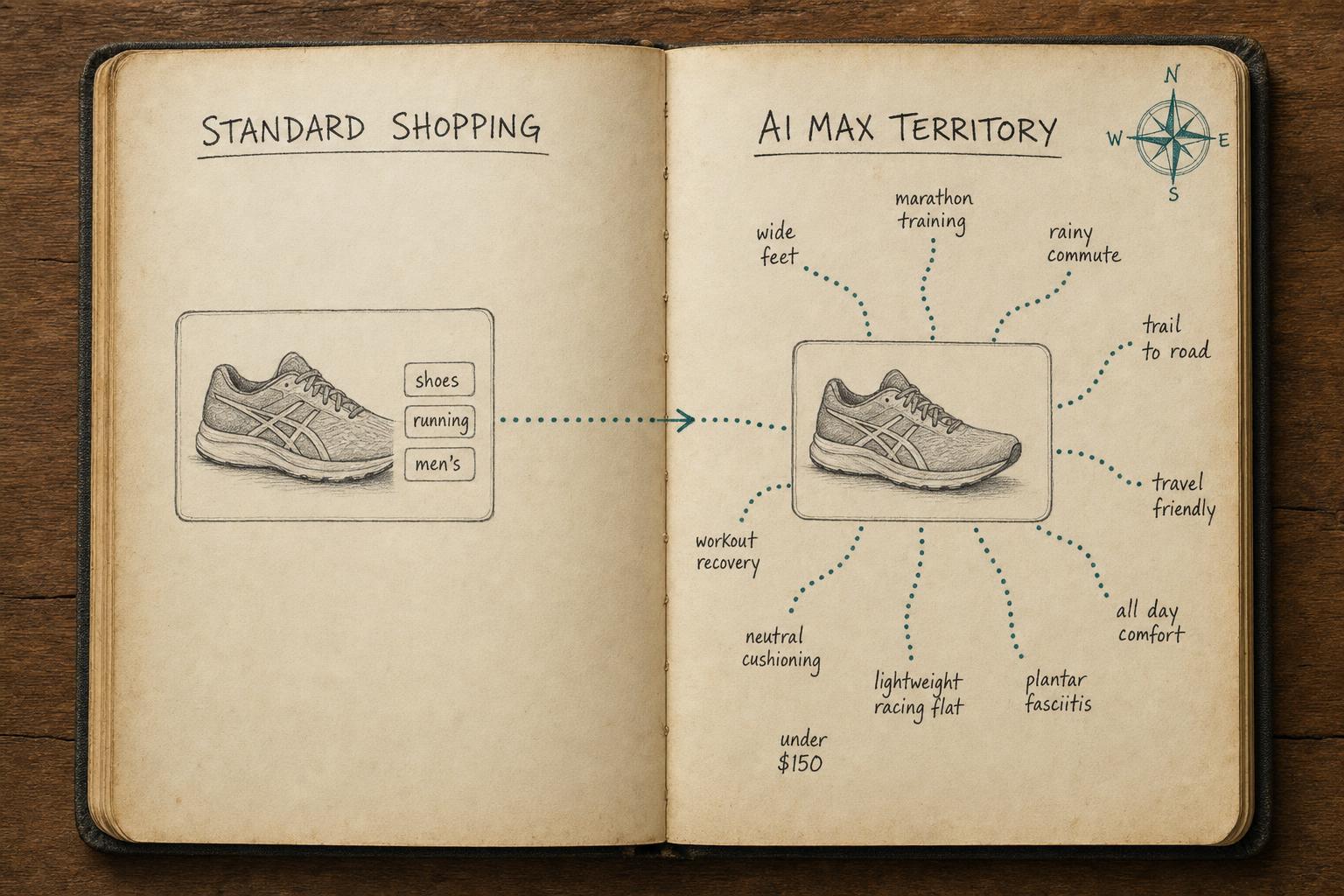
Is Your Shopify Feed Ready for AI Max for Shopping?
Is your Shopify feed ready for AI Max for Shopping? Run this pre-launch checklist before you enable it — or risk wasting budget on weak signals.
How to Optimize Your Shopify Product Feed (Complete Guide)
Optimize your Shopify product feed for Google Shopping with this step-by-step guide. Fix titles, categories, GTINs, and feed rules to get more impressions and clicks.