The Best Feedonomics Alternative for Shopify Merchants (Honest Comparison)
Feedonomics is a legitimate product. Built over a decade, used by large enterprise retailers, acquired by BigCommerce in 2021 for $145 million. If you’re running a complex, multi-channel retail operation with a dedicated feed management team and an enterprise ad budget, it may be exactly what you need.
But if you’re a Shopify merchant managing your own store — someone who installs software, configures it yourself, and needs it to just work — Feedonomics was not built for you. And the evidence for this is specific, documented, and worth understanding before you spend time getting a quote.
This page covers what that evidence actually says, what to look for in an alternative, and how the main options compare.
What the Evidence Says About Feedonomics
Pricing: There is no pricing page
Feedonomics has no published pricing. Their website has a “Contact Sales” button where a pricing page would normally be. This is not an oversight — it’s the model. Custom quotes, negotiated contracts, sales-led onboarding.
Third-party sources that have tracked disclosed pricing estimate:
| Tier | Estimated Monthly Cost |
|---|---|
| Starter | $500–$800/mo |
| Professional | $1,000–$2,500/mo |
| Enterprise | $3,000–$10,000+/mo |
| Setup fee (one-time) | $1,000–$5,000+ |
Sources: Spendflo vendor intelligence, SKU Analyzer, industry review aggregators
There is no free trial. Annual contracts are common.
On Reddit’s r/PPC community, “Is Feedonomics very expensive?” is a recurring, unresolved question — merchants asking because they can’t find out without a sales call. That’s the point. If you have to ask, the price is probably not for you.
G2 Reviews: The praise tells the story
Feedonomics holds a 4.4/5 on G2. The reviews are largely positive. But read what merchants actually praise, and a pattern emerges:
The most common compliments are not about the software — they’re about the team. “Responsive support.” “The specialists who manage our feeds.” “The account manager handles everything.” That’s managed service praise. A tool that earns most of its compliments for the humans who operate it is a tool that’s too complex to operate alone.
The most common complaints confirm this:
- Cost — “Particularly smaller businesses find it expensive”
- Learning curve — “Complex usability, especially for users without technical expertise”
- Non-intuitive interface — Recurring across multiple reviews
- Wanting more proactive guidance — Merchants needed help navigating the tool itself
This isn’t a criticism of Feedonomics. It’s a description of a product category: managed service for enterprise. That’s different from self-serve software for Shopify merchants.
The BigCommerce situation
In July 2021, BigCommerce acquired Feedonomics for approximately $145 million. BigCommerce is a direct Shopify competitor.
Since the acquisition:
- BigCommerce cut 13% of its workforce in December 2022 (~180 employees)
- A second round of layoffs followed in November 2023, affecting 7% of staff
- A third restructuring in September 2024 reduced headcount by approximately 10%, with $9.8 million in severance costs
- In August 2025, BigCommerce, Feedonomics, and another acquisition (Makeswift) were consolidated under a new parent brand called “Commerce,” with entirely new executive leadership
None of this means Feedonomics is a bad product today. It means you’re building a dependency on a platform owned by a Shopify competitor that has gone through three rounds of layoffs in three years and rebranded its entire company structure. That’s worth knowing when you’re evaluating long-term tool choices.
What to Look for in a Feedonomics Alternative (for Shopify)
Given the above, here’s the evaluation criteria that actually matter for a Shopify merchant:
1. Built for Shopify — not just compatible with it Feedonomics connects to Shopify the same way it connects to Magento or WooCommerce: as one supported source among many. A native Shopify app has direct access to your product catalog, variants, metafields, inventory locations, and Shopify translations — and is designed around how Shopify data is structured.
2. Published pricing If you can’t see what something costs without talking to a salesperson, it’s not priced for your business.
3. Self-serve — no mandatory onboarding You should be able to install it, configure it, and go live yourself. If the tool requires a dedicated account manager to work correctly, that’s a feature for enterprise, not a feature for you.
4. Visual feed editing Your feed will have errors. You need to be able to see your entire product catalog, understand what’s in your feed, and edit individual values without working in CSV files.
5. Rules engine for feed transformation You need to be able to set field values conditionally, exclude products by rule, and transform data (find/replace, concatenate fields) without code.
6. Feed validation + error surfacing Google Merchant Center is unforgiving. A good tool catches issues before Google does — and surfaces product-level disapprovals directly so you know exactly what to fix.
7. Channels that match your actual needs Most Shopify merchants primarily need Google Shopping and Meta Ads. Don’t pay for marketplace syndication across 50 channels if you need two.
Find the Right Tool for Your Store
Answer four quick questions and get a personalized recommendation based on your situation.
How many product variants do you manage?
Count each size/color combination as a variant — a shirt in 3 sizes and 4 colors = 12 variants.
Feedonomics vs. Simple Product Feeds — Side-by-Side
| Feature | Feedonomics | Simple Product Feeds |
|---|---|---|
| Built for Shopify | ❌ Platform-agnostic | ✅ Shopify-native app |
| Pricing | ❌ No published pricing, custom quotes | ✅ Published: Free → $9.99 → $19.99 → $24.99+/mo |
| Free tier | ❌ None | ✅ Up to 50 variants, full features |
| Free trial | ❌ None | ✅ Free tier is permanent, no time limit |
| Self-serve | ❌ Managed onboarding required | ✅ Self-serve, guided 4-step setup |
| Setup time | Days to weeks | ✅ Under 5 minutes |
| Visual feed editor | ⚠️ Basic | ✅ Spreadsheet-style grid with inline editing |
| Rules engine | ✅ Yes | ✅ Yes — 3 rule types, 13 templates, live preview |
| Feed validation (8-stage) | ✅ Yes | ✅ Yes — full pipeline with excluded row visualization |
| Google Shopping feed | ✅ Yes | ✅ Yes |
| Meta / Facebook feed | ✅ Yes (native) | ⚠️ Manual import — export GMC-format feed, upload to Meta manually. Native integration coming. |
| Multilingual feeds | ✅ Yes (enterprise pricing) | ✅ Yes — all plans |
| Google Merchant Center integration | ✅ Yes | ✅ Yes — with GMC troubleshooting dashboard |
| GMC product-level issue tracking | ✅ Yes | ✅ Yes — disapproved/demoted with descriptions |
| Shopify → Google taxonomy mapping | ⚠️ Manual | ✅ Yes — automatic from Shopify’s standard category |
| Automated AI categorization | ✅ Yes | 🔜 Coming soon |
| Metafield support | ⚠️ Limited | ✅ Yes — any namespace/key |
| Bulk operations for large catalogs | ✅ Yes | ✅ Yes — Shopify Bulk Operations API for 500+ SKUs |
| Annual contract required | ⚠️ Common | ✅ No contract, cancel anytime |
| Owned by Shopify competitor | ⚠️ Yes (BigCommerce/Commerce) | ✅ Independent |
| Best for | Enterprise retailers, agencies, managed service | ✅ Shopify merchants managing their own store |
What Makes Simple Product Feeds Different
Two features are worth explaining specifically because they address the most common Shopify feed management pain points.
The spreadsheet editor
Most feed tools treat your product data as a black box: you configure rules, run a sync, and hope the output is right. SPF gives you a full spreadsheet-style editor — browse your entire catalog, see every field, double-click any cell to edit it directly.
More importantly: the editor shows two views side-by-side. The Source tab shows your raw Shopify data. The Feed Output tab shows what the transformed feed actually looks like — including which products are excluded (shown in strikethrough with “EXCLUDED” badges). You can see exactly why a product isn’t appearing in your feed before troubleshooting Google Merchant Center.
Manual edits persist across re-syncs. If you override a product title in the editor, that override is applied every time the feed regenerates. You don’t lose your changes when new products are added.
The rules engine with live preview
Rules let you transform your feed without writing code. Three operations: Set (assign a field value based on conditions), Exclude (remove products from the feed by condition), and Replace (find and replace text within a field).
Before saving any rule, a live preview shows the effect on five sample rows — before and after — so you can verify the rule behaves as expected. Thirteen pre-built templates cover the most common scenarios: setting product condition, marking out-of-stock items, building variant URLs, pulling from metafields, and more.
For stores with large catalogs, this combination — visual editor plus rules engine — is what makes managing thousands of SKUs tractable without a managed service team.
Other Feedonomics Alternatives Worth Knowing
Simple Product Feeds is not the right fit for every merchant. Here are the main alternatives and when each makes sense.
AdNabu
Shopify-native, like SPF, with plans starting at $0. AdNabu leans heavily into AI-driven Google Ads and Performance Max campaign optimization. If your primary goal is automated PMax feed optimization and you want AI to drive campaign structure, AdNabu is worth evaluating. SPF is the stronger choice if you want a visual feed editor, granular rules control, multilingual feeds, or you’re managing a large catalog where the spreadsheet interface becomes essential.
DataFeedWatch
Starting at $59/mo. Broad channel support — Google, Amazon, Facebook, Microsoft, eBay, and many more. Not Shopify-specific. If you need to syndicate to Amazon or a large number of marketplaces, DataFeedWatch has more channel breadth than SPF currently offers. More complex to configure; not designed as a Shopify-native experience.
GoDataFeed
Enterprise-grade, broad channel coverage, import from Google Sheets. Positioned above mid-market. Less complex than Feedonomics but not self-serve in the same way. Support response times have been flagged as inconsistent in merchant reviews.
FeedOps
Positions on “continuous optimization” — a blend of AI and human expertise. Transparent pricing (unlike Feedonomics). Worth evaluating if you want a managed-service-lite approach with clearer pricing than Feedonomics.
Google’s native Shopify integration
Free, built directly into Shopify. Works for very simple catalogs. Lacks bulk editing, custom rules, and feed transformation. Merchants with more than a few hundred products typically outgrow it quickly.
Which Option Is Right for You?
Feedonomics is likely right for you if:
- You’re an enterprise retailer with $50K+/month in ad spend
- You have a dedicated feed management team or agency
- You need to syndicate across 20+ channels including niche marketplaces
- You want a fully managed service and have budget for it
Simple Product Feeds is likely right for you if:
- You’re a Shopify merchant managing your own store
- You want to see and edit your feed directly without CSV exports
- You need Google Shopping and Meta feeds to work reliably
- You want transparent pricing without a sales call
- You want to install today and be live in under 5 minutes
DataFeedWatch is likely right for you if:
- You need Amazon or multi-marketplace syndication
- You’re comfortable with a more complex configuration
- You’re managing feeds across multiple ecommerce platforms
AdNabu is likely right for you if:
- You’re primarily optimizing for Performance Max campaign structure
- You want AI-driven feed optimization with less manual configuration
Try Simple Product Feeds
Free for up to 50 variants. No credit card required. Paid plans start at $9.99/mo for up to 3,000 SKUs — all features included on every plan, no feature gates.
Install Simple Product Feeds on Shopify →Questions about whether SPF fits your specific setup? Use the support system in the app — or reach out before you install.
Ready to simplify your product feeds?
Simple Product Feeds connects your Shopify store to Google Shopping, Meta, and more — in minutes.
Install Simple Product FeedsRelated Articles
DataFeedWatch Alternative for Shopify: An Honest Comparison
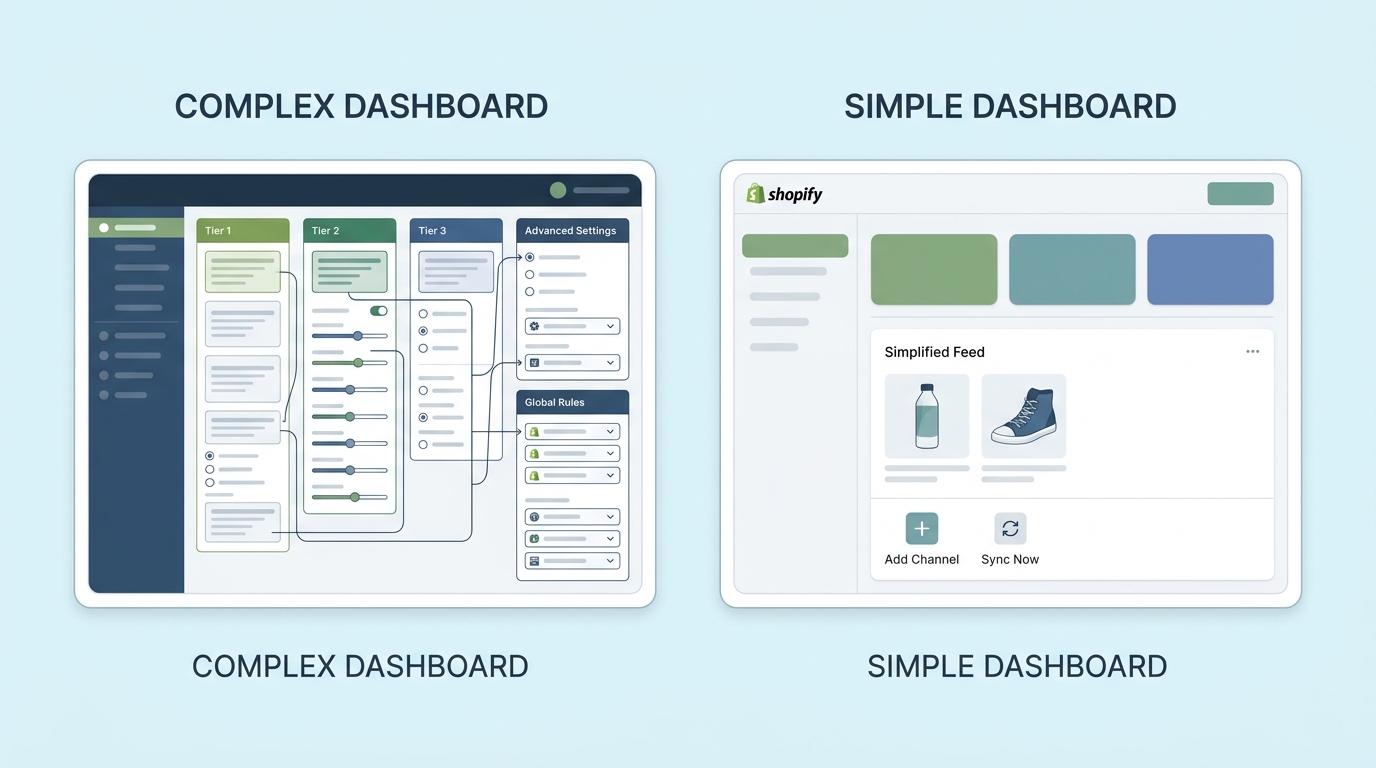
Looking for a DataFeedWatch alternative? See why Shopify merchants switch to Simple Product Feeds — Shopify-native, transparent pricing from $9.99/mo, free plan.
The Complete Guide to Product Feed Management for Shopify
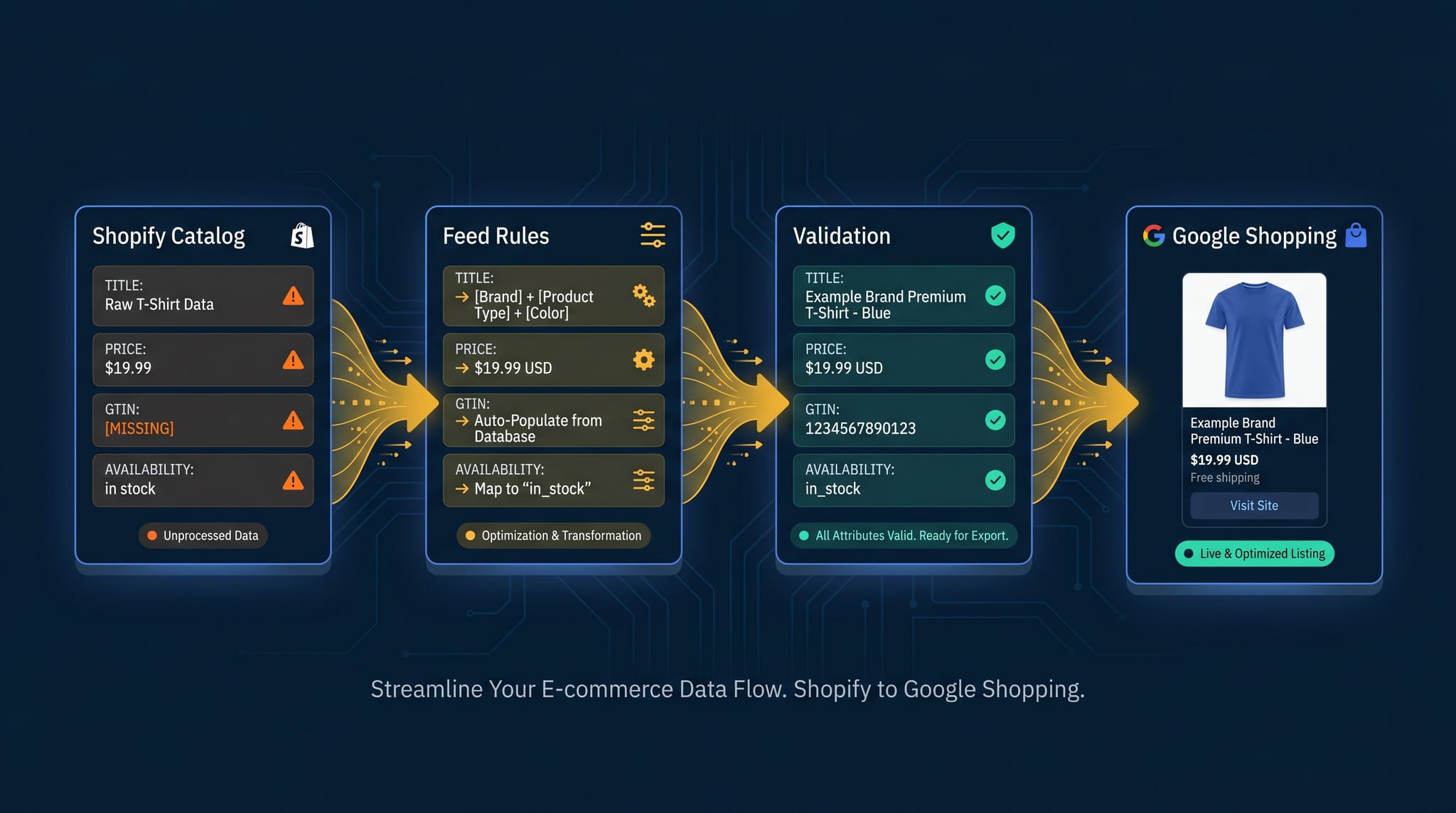
Product feed management is more than syncing your catalog. Here's the complete guide to how it works, what breaks, and how Shopify merchants do it right.