How to Set Up a Bing Shopping Feed for Your Shopify Store
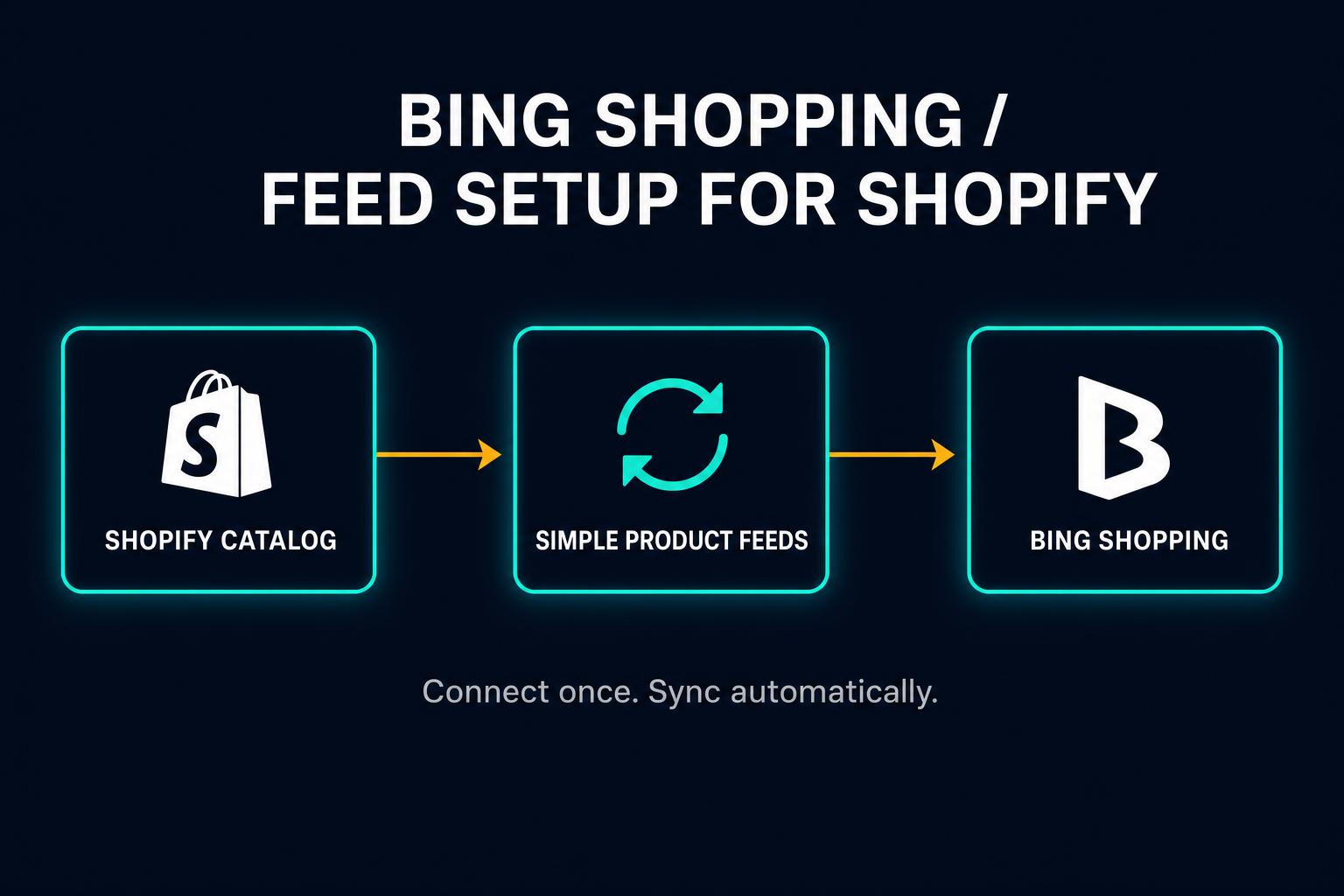
If you’re already running Google Shopping ads, setting up a Bing product feed takes about 20 minutes — and you don’t need to build anything new. The feed URL you already have from Simple Product Feeds drops straight into Microsoft Merchant Center. Same data, same URL, second channel.
Here’s why it’s worth doing, and exactly how to do it.
1. Why Bing Shopping Is Worth Your Time
Microsoft Advertising doesn’t get the attention Google does. That’s the opportunity.
Lower CPCs. Fewer advertisers competing on Bing Shopping means lower cost-per-click — often 20–35% less than comparable Google Shopping placements. You’re reaching the same category of buyer for less ad spend.
Real volume. Microsoft’s search network — Bing, Yahoo, DuckDuckGo, and AOL — handles roughly 7–9% of U.S. desktop search. That’s not noise. For Shopify merchants selling to 35+ demographics, B2B buyers, or tech-adjacent audiences, Bing skews toward higher-income, higher-intent shoppers.
Better ROAS for some categories. Merchants in home goods, electronics, and apparel regularly report stronger return on ad spend from Bing than Google Shopping — because the competitive drop-off is steeper than the volume drop-off.
If your Google Shopping setup is already running, the incremental cost to add Bing is near zero. The feed infrastructure is done. You’re just connecting a second pipe to it.
2. What Microsoft Merchant Center Needs from Your Feed
Microsoft Merchant Center accepts the same product data spec as Google Merchant Center. If your Google Shopping feed is healthy, your Bing product feed requirements are already met.
Here are the fields MMC requires:
| Field | Required | Notes |
|---|---|---|
id | ✅ | Unique product identifier |
title | ✅ | Product name |
description | ✅ | Product description |
link | ✅ | Product page URL |
image_link | ✅ | Primary image URL |
price | ✅ | Price in local currency |
availability | ✅ | in stock / out of stock / preorder |
brand | ✅ | Brand name |
condition | ✅ | new / used / refurbished |
gtin | Strongly recommended | UPC, EAN, or ISBN |
MMC accepts Google-spec XML feeds natively. The formats are compatible. No conversion needed.
One thing to verify before you start: your feed’s currency and language settings must match your MMC store settings exactly. A USD feed submitted to a GBP store will throw errors immediately. Set both in MMC when you create the store, and confirm your SPF feed URL is targeting the right market.
3. How Your SPF Feed URL Works as a Scheduled Feed
Simple Product Feeds generates a live, publicly accessible feed file hosted on S3. Every time it’s fetched, it returns a fresh export with your current product data — updated prices, inventory levels, titles, everything.
Microsoft Merchant Center supports Scheduled Feeds: you give MMC a URL, it fetches your feed on its own schedule (daily by default, more frequently on higher-tier plans). There’s nothing to export. No files to upload. MMC pulls from your live SPF URL automatically.
This is exactly how Google Merchant Center fetch-based feeds work too. If you’ve already pointed Google at your SPF feed URL, pointing Microsoft at the same URL is a single copy-paste.
Your SPF feed URL follows this format:
Primary Google Shopping feed:
https://gmcfeed.s3.amazonaws.com/exported/[your-store-key]/gmcfeed.txtAdditional named feeds (Growth/White Glove plans, e.g. a dedicated Bing feed):
https://gmcfeed.s3.amazonaws.com/exported/[your-store-key]/gmcfeed-[feed-name].txtYour store key is a unique string generated when you install SPF. You’ll find your exact URL displayed in the SPF app on your feed’s export settings page — copy it from there rather than trying to construct it manually. That URL is what you’ll paste into MMC in the next section. All your product feed optimization work — title rules, custom labels, variant filters — applies to both channels automatically.
4. Step-by-Step Setup
Here’s the full process from zero to a live Bing Shopping campaign.
Step 1: Create a Microsoft Merchant Center account
Go to ads.microsoft.com and sign in with a Microsoft account (or create one). From the dashboard, click Tools → Microsoft Merchant Center → Create Store.
Fill in your store name, website URL, and select your target country and currency. These settings are tied to your feed — set them to match your SPF feed and leave them.
Step 2: Get your SPF feed URL
In your Shopify admin, go to Apps → Simple Product Feeds. Open your Google Shopping feed (or the feed you want to use for Bing — it works the same way). Your feed URL is displayed on the feed’s export settings page and looks like this:
https://gmcfeed.s3.amazonaws.com/exported/[your-store-key]/gmcfeed.txtCopy it exactly from the app — the store key is unique to your account and is set when SPF is installed.
If you haven’t set up Simple Product Feeds yet, the free plan covers up to 50 SKUs and generates a live feed URL immediately after install.
Step 3: Create a Scheduled Feed in MMC
Inside Microsoft Merchant Center:
- Click Catalog in the left nav, then Feeds
- Click Create feed
- Select Scheduled feed — this is the URL-based option, not manual file upload
- Paste your SPF feed URL into the Feed URL field
- Give the feed a name (e.g., “SPF Shopify Feed”)
- Set fetch frequency to Daily to start — hourly is available on higher Microsoft Advertising tiers
- Click Save
MMC will attempt its first fetch within a few minutes. Go to Feed status after 5–10 minutes to confirm it pulled successfully and shows your product count.
Step 4: Link to a Shopping Campaign
Once your feed is live in MMC, go to Microsoft Advertising → Campaigns → + New campaign → Shopping. Select your MMC store as the product source.
Configure your campaign targeting, set a daily budget, and launch. Microsoft handles matching your feed to relevant search queries from there.
5. Common Errors and How to Fix Them
Feed setup rarely goes perfectly on the first attempt. Here are the most common errors and their fixes.
Currency mismatch — Your feed uses USD but your MMC store is set to a different currency. Fix: Go to MMC → Store Settings and confirm the country and currency match your SPF feed target. If you sell in multiple markets, you’ll need a separate feed configuration per market currency.
Missing required field: brand — MMC requires brand for all products except handmade or custom goods. In SPF, check your field mapping settings and confirm brand is mapped to your Shopify vendor field. If your Shopify products don’t have a vendor set, add one — even the store name works.
Invalid GTIN — MMC validates GTINs against its product database for known branded goods. Check that the barcodes in your Shopify catalog are accurate. For products without GTINs (bundles, private label, handmade), set identifier_exists: no in your feed rules so MMC stops trying to validate them.
Feed URL timeout — If MMC can’t fetch your feed within its timeout window, it logs an error and skips that cycle. SPF’s hosted feed URLs are built to respond quickly, but very large catalogs (10,000+ SKUs) need a Growth or White Glove plan for full performance. Contact SPF support if timeouts persist after upgrading.
Missing condition field — Every product needs a condition value. SPF defaults to new, which is correct for most Shopify stores. If you sell used or refurbished inventory, set the condition explicitly in your feed rules.
6. Running Both Channels from One Feed
The best part of this setup: you’re not managing two separate feeds.
One SPF feed URL serves both Google Merchant Center and Microsoft Merchant Center. When you update a product title in SPF, fix a GTIN, or add a custom label for a promotion — both channels pick it up on their next scheduled fetch. No double work.
The alternative — separate feed files for each channel — multiplies your maintenance burden with every product change, every price update, every seasonal push. SPF eliminates that entirely.
If you need channel-specific customizations (different titles for Bing vs. Google, channel-specific custom labels for campaign structure), SPF’s multi-feed feature on Growth and White Glove plans lets you create a second feed configuration with its own rules — while still pulling from the same Shopify product data underneath. You get channel-specific optimization without duplicating your source of truth.
That’s the core principle behind effective product feed management: one clean data source, multiple optimized outputs. Every improvement you make pays off across every channel reading it.
Get Your Bing Shopping Feed Running Today
If you’re already on Google Shopping, adding Bing is the highest-leverage 20-minute project on your list. Lower CPCs, less competition, zero new infrastructure.
Install Simple Product Feeds on Shopify — free up to 50 SKUs, no credit card required. Generate your feed URL, paste it into Microsoft Merchant Center as a Scheduled Feed, and your first Bing Shopping campaign can be live today.
Ready to simplify your product feeds?
Simple Product Feeds connects your Shopify store to Google Shopping, Meta, and more — in minutes.
Install Simple Product FeedsFrequently Asked Questions
- Do I need a separate product feed file for Bing Shopping?
- No. Microsoft Merchant Center accepts the same Google-spec product feed format. If you are already exporting a feed for Google Shopping, you can use the exact same SPF feed URL as a Scheduled Feed in MMC — no separate file or conversion needed.
- How long does it take to set up a Bing Shopping feed on Shopify?
- About 20 minutes if you already have Simple Product Feeds installed and a Google Shopping feed running. The process is: copy your SPF feed URL, create a Microsoft Merchant Center store, and configure a Scheduled Feed with your URL. First products appear within minutes of the initial fetch.
- Can I use the same feed URL for Google Shopping and Microsoft Merchant Center?
- Yes. Simple Product Feeds generates a single hosted feed URL that you can submit to any platform that accepts a standard Google-spec XML or text feed. Both Google Merchant Center and Microsoft Merchant Center can read the same URL simultaneously — changes you make in SPF update both channels on their next scheduled fetch.
- What is Microsoft Merchant Center?
- Microsoft Merchant Center (MMC) is the product catalog management tool for Microsoft Advertising (formerly Bing Ads). It works like Google Merchant Center: you upload or schedule a product feed, and MMC uses that data to power Bing Shopping ads across Microsoft search network, including Bing, Yahoo, DuckDuckGo, and AOL.
- Is Bing Shopping worth it for Shopify merchants?
- For most Shopify merchants already running Google Shopping, yes. Microsoft search network handles roughly 7-9% of U.S. desktop search with lower advertiser competition, resulting in CPCs typically 20-35% below comparable Google Shopping placements. Because your feed infrastructure is already built, the incremental setup cost is minimal.
Related Articles
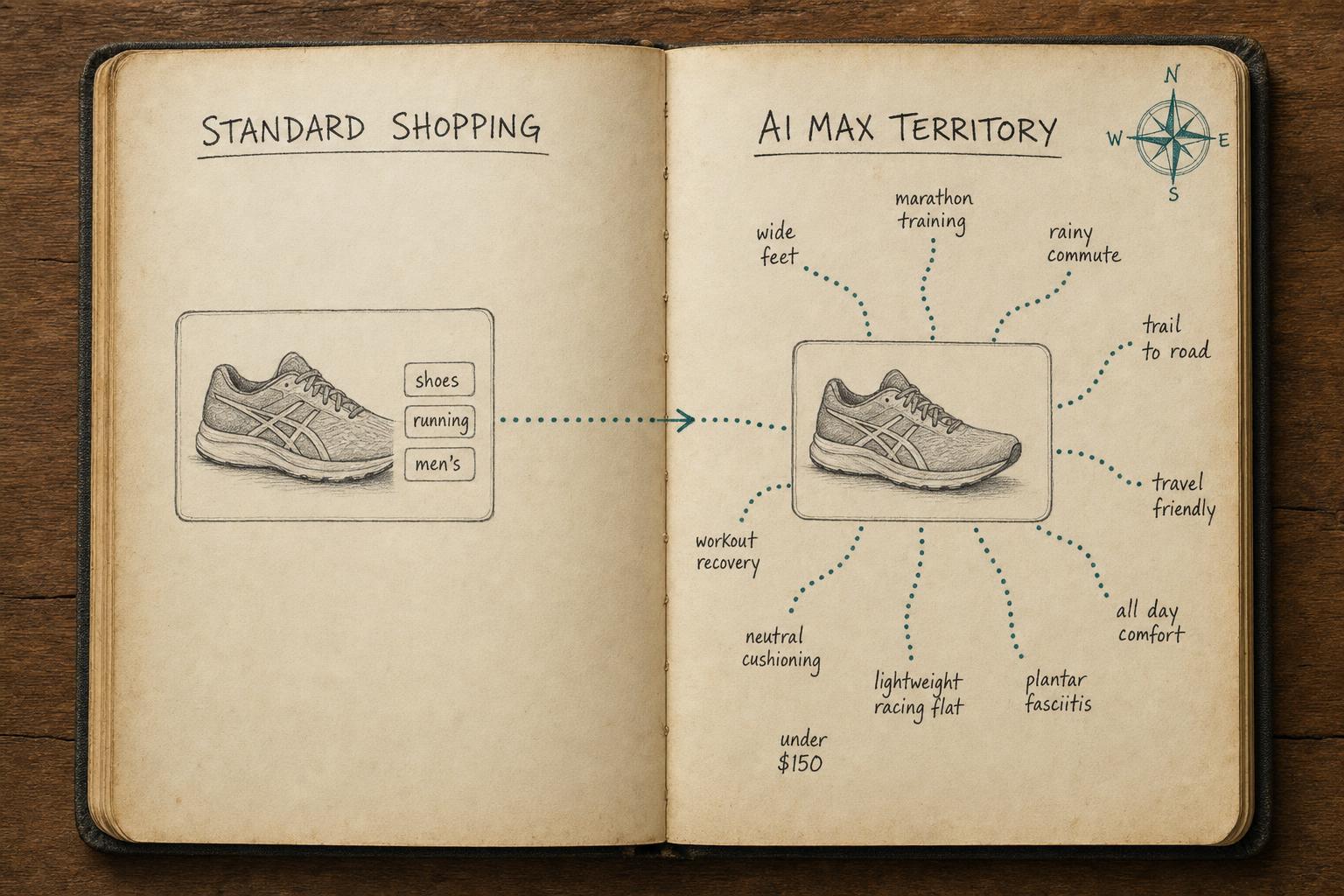
Is Your Shopify Feed Ready for AI Max for Shopping?
Is your Shopify feed ready for AI Max for Shopping? Run this pre-launch checklist before you enable it — or risk wasting budget on weak signals.
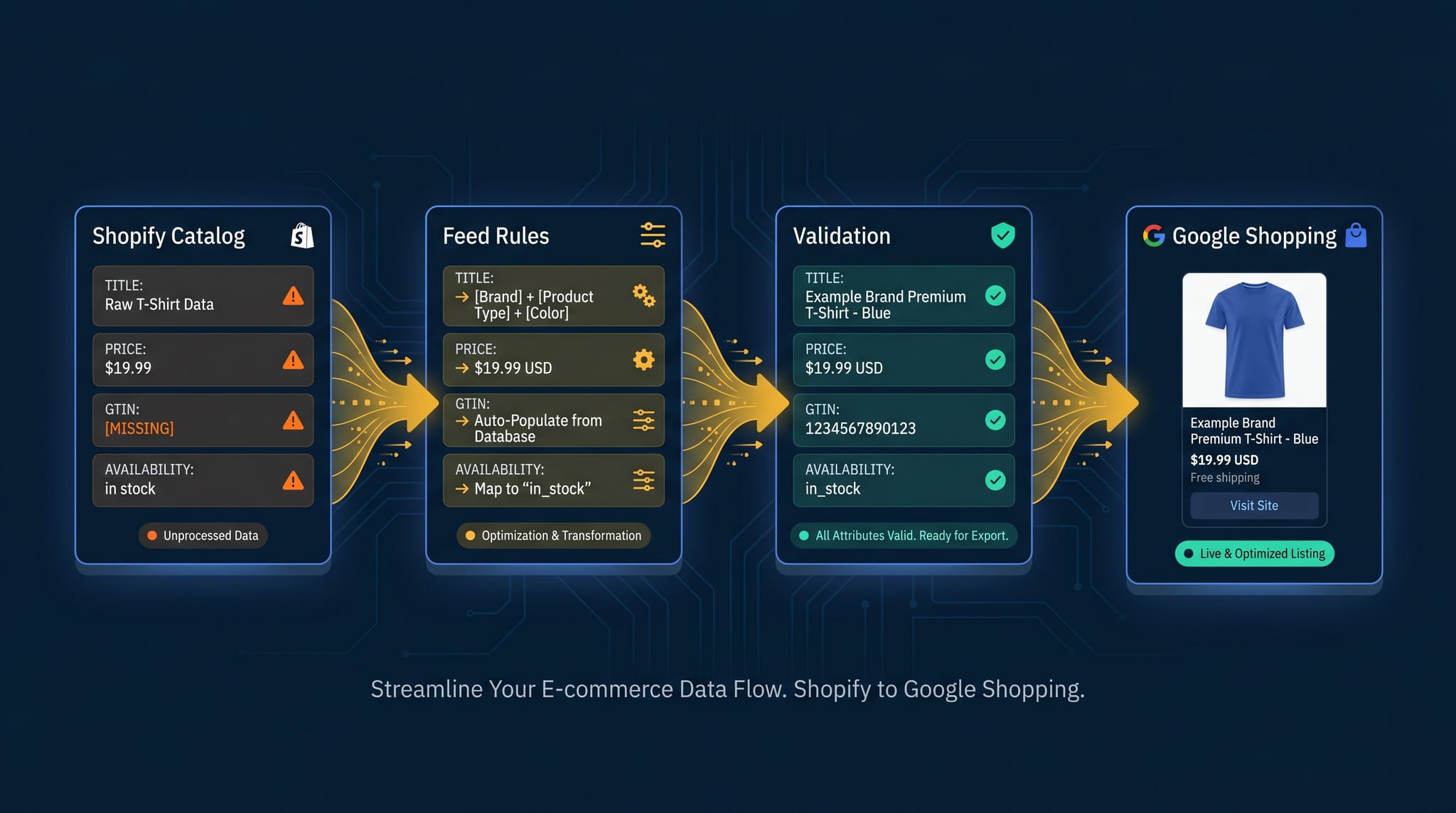
The Complete Guide to Product Feed Management for Shopify
Product feed management is more than syncing your catalog. Here's the complete guide to how it works, what breaks, and how Shopify merchants do it right.
How to Optimize Your Shopify Product Feed (Complete Guide)
Optimize your Shopify product feed for Google Shopping with this step-by-step guide. Fix titles, categories, GTINs, and feed rules to get more impressions and clicks.